Octo Browser for iOS is worth testing if you need mobile-first account creation, safer profile separation, and iPhone-based fingerprint signals.
We found that Octo brings real iOS anti-detect browser use to iPhone and iPad, backed by mobile Safari fingerprints, proxy control, cloud sync, and video feed spoofing.
Most anti-detect tools still focus on desktop. Octo changes that. Mobile registrations often face less friction than desktop sign-ups because many platforms treat real iPhone Safari traffic as lower risk.
Octo gives affiliate teams isolated iPhone browser profiles without relying on Android emulators or weak mobile browser clones.
During open testing, Octo Browser for iOS is free to use. You also get 100 profiles and free proxies at launch, which makes early testing low risk.
What is Octo Browser for iOS?
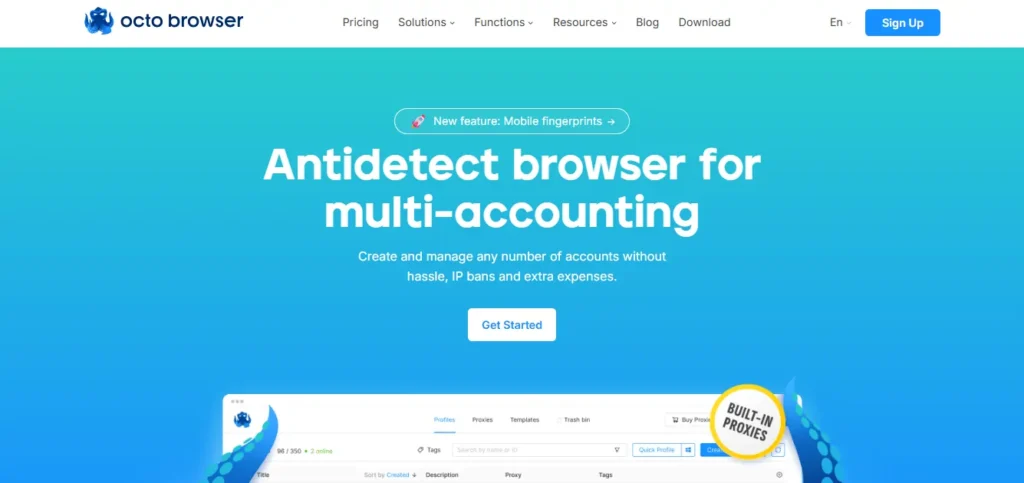
Octo Browser for iOS is an iPhone and iPad app that lets users create browser profiles based on Apple mobile device fingerprints.
Each profile can use Safari-like data, proxy settings, cookies, tags, history, and synced profile data. It works much like desktop Octo Browser, but with a stronger mobile angle.
The main idea is simple. Instead of using desktop fingerprints to create accounts, you can use iPhone browser profiles that look closer to normal Safari traffic.
That matters because many anti-fraud systems treat mobile users with less friction. Real iPhone users often share very similar device data. IP address, session quality, and behaviour then become more important.
For affiliate marketers, media buyers, and account farmers, an iOS anti-detect browser can be useful for sign-ups, offer checks, social account access, app funnel tests, and mobile web QA.
🚀 30% OFF Octo Browser for iOS — Look Like a Real iPhone User Instantly
Use code ANTIDETECT30 for 30% OFF. Octo Browser iOS creates real-looking iPhone Safari profiles with Apple fingerprints, cookies, and proxies for high-trust mobile browsing.
How to Install Octo Browser on iPhone?
Setup is simple and takes only a few minutes.
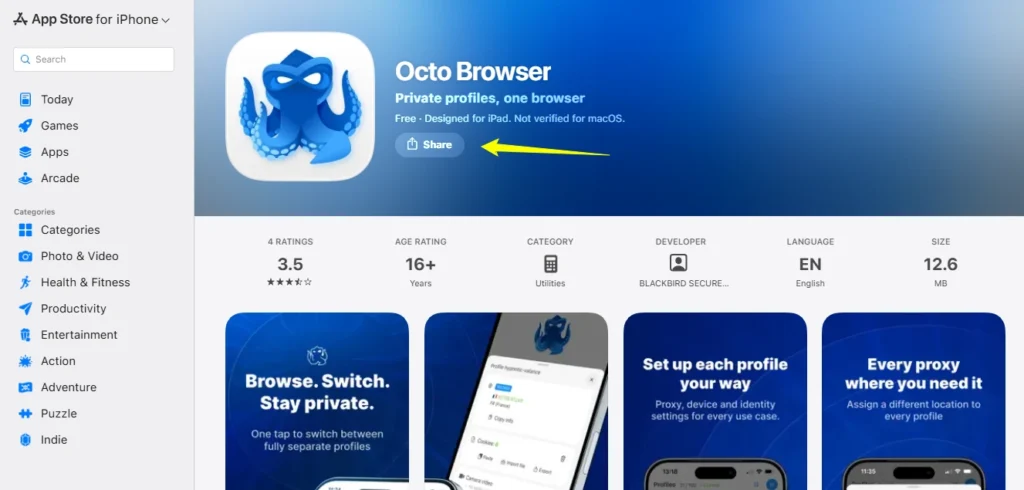
- Open the App Store and install Octo Browser for iOS.
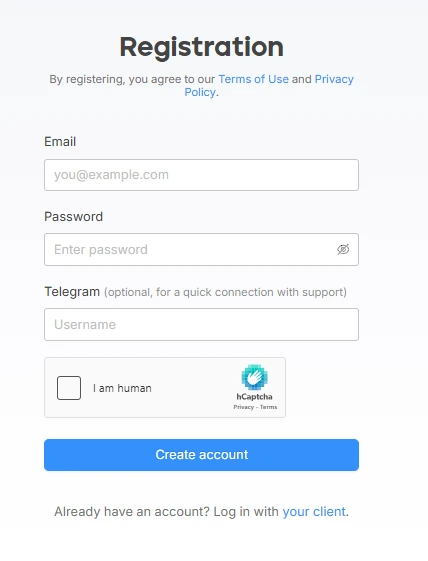
- Create an account in app, via Apple ID, or on Octo Browser website.
- Log in if you already use Octo desktop.
- Create your first iOS profile.
- Add a proxy, name profile, and start testing.
New users can test free launch profiles and proxies. For paid Octo plans, use our special Octo Browser coupon code: ANTIDETECT30 to get a 30% discount.
Key Features OctoBrowser for iOS
Octo Browser brings core anti-detect functions into a real iOS app. It does not feel like a basic mobile wrapper.
| Feature | What it does | Why affiliate teams care |
|---|---|---|
| Mobile Safari fingerprints | Creates profiles that match iPhone and iPad browser signals | Helps with trust checks on sign-up pages |
| HTTP and SOCKS5 proxies | Supports common proxy types inside profiles | Useful for geo tests and account separation |
| Cloud profile sync | Keeps profiles available across devices | Helps teams work without local file transfer |
| Cookie import and export | Moves cookies in or out of profiles | Useful for session testing and recovery |
| Tags and trash | Keeps profile lists clean | Helps sort campaigns, offers, and geos |
| Video stream spoofing | Replaces camera feed with image or video | Useful for camera-based checks and tests |
Mobile Safari Fingerprints Feel Like Main Feature
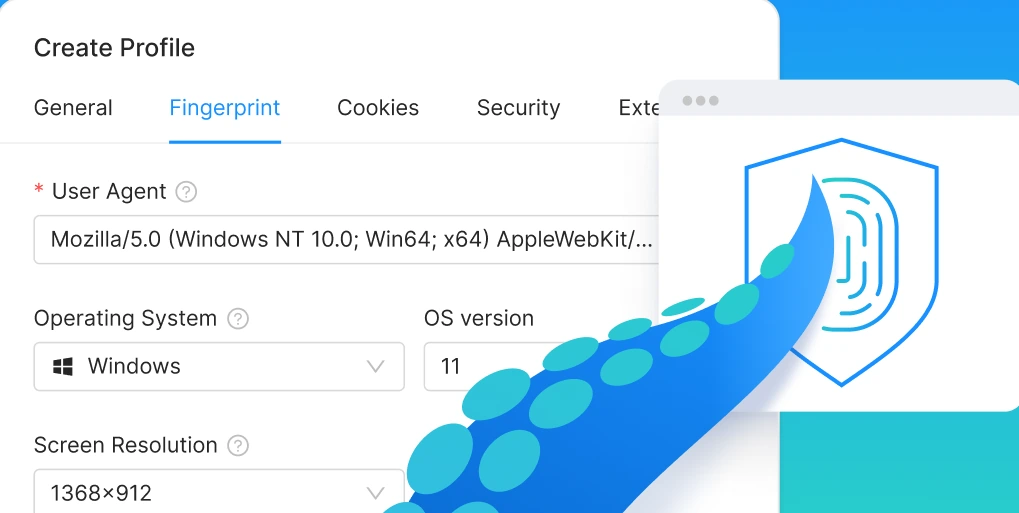
Core value comes from mobile device fingerprints. Octo Browser for iOS creates profiles that look like real Safari sessions on iPhone and iPad.
That matters because many websites compare browser values such as user agent, screen size, WebKit data, language, time zone, IP, and media inputs. If data looks mismatched, risk systems may flag sessions fast.
Octo aims to keep profile data separate and reduce session overlap. For affiliate marketers, that can help during mobile account registrations, landing page QA, offer checks, and platform testing.
No anti-detect browser can make poor proxies safe. Still, clean fingerprint logic plus good proxy quality can reduce avoidable flags.
Proxy Support for Real Mobile Work
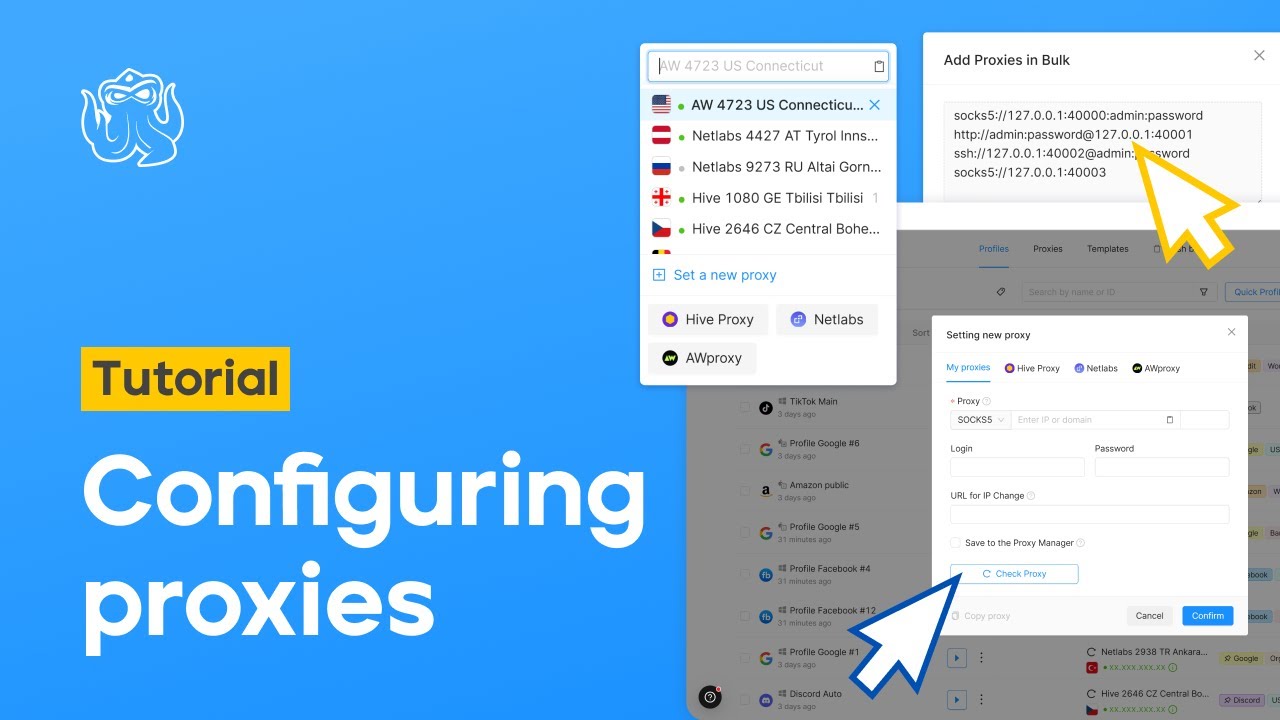
Octo Browser iOS supports HTTP and SOCKS5 proxies. If proxies already exist in your Octo account, you can use them inside mobile profiles.
Launch users also get free proxies for testing. We would still use trusted mobile or residential proxies for serious work.
Proxy quality affects results more than many users admit. A clean iOS profile paired with a poor proxy can still fail. For better account health, match IP country, language, time zone, and platform flow.
Team Sync Without Device Lock-In
Octo Browser includes cloud profile sync and has no limit on connected devices. That is useful for teams that test many campaigns across several iPhones and iPads.
Profile data is not tied to one local device. Team members can access assigned profiles, keep cookies, and continue sessions without manual export.
For agencies and affiliate teams, browser profile management often becomes messy. The Octo helps by adding tags, trash, history, and cookie tools. These small features save time when profile count grows.
Video Feed Spoofing on iOS
Octo includes video stream spoofing, and it works well on iOS. You can replace the camera input with another video or image many times without reloading the page.
That is rare in anti-detect browsers. Many desktop tools make camera spoofing feel fragile. Octo’s iOS app handles it in a cleaner way during active page sessions.
For affiliate marketers, it may help in QA flows where camera access appears in funnels, compliance screens, or app-like web flows. Use it only for allowed testing and legal work.
Octo iOS vs Desktop Anti-Detect Browsers
Octo Browser iOS should not replace desktop anti-detect browsers for every use case. It adds a mobile layer.
| Area | Octo Browser for iOS | Desktop anti-detect browser | Mobile emulator |
|---|---|---|---|
| Fingerprint base | Real Apple mobile signals | Desktop Chrome or Firefox signals | Often Android-like or artificial |
| Device trust | Strong for iPhone Safari flows | Strong for desktop workflows | Mixed, often easier to detect |
| Team use | Cloud sync included | Usually strong | Depends on setup |
| Camera spoofing | Strong on mobile | Varies by browser | Often clunky |
| Best use | Mobile sign-ups, geo QA, app-like web flows | Ads, dashboards, web apps | Basic app tests |
For affiliate work, the best setup may include both. Use desktop Octo for dashboards and campaign control. Use iOS Octo for mobile funnels, sign-up checks, and Safari-based testing.
Review Notes from AntidetectBrowsers.com
Our main takeaway is clear: Octo Browser solves a real gap. Anti-detect browsers existed for years, but iOS support lagged badly.
Octo’s approach feels practical because it focuses on Apple mobile fingerprints, not fake mobile claims. Profiles are easy to create, proxies are easy to attach, and cloud sync helps teams.
We also like that launch access includes 100 profiles and free proxies. That gives affiliates room to test flows before buying larger plans.
The main thing to watch is scale. As more users test iOS profiles, proxy choice, profile hygiene, and natural account behaviour will matter even more. Do not treat any tool as a magic shield.
Best Use Cases for Affiliate Marketers
Octo Browser for iOS fits affiliate teams that need clean mobile testing, not random browser switching.
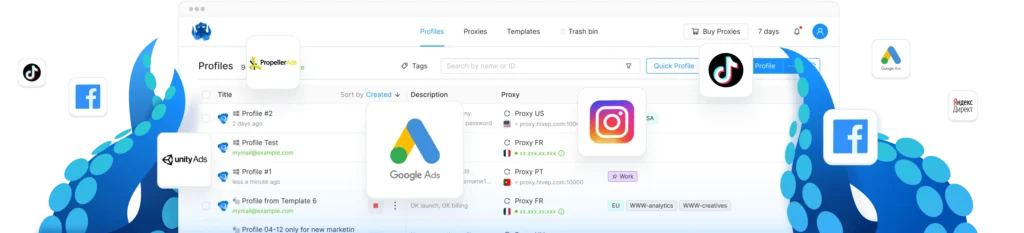
Strong use cases include:
It is less useful if all your work sits inside desktop SaaS dashboards. For that reason, the Octo desktop still makes more sense.
Pricing, Free Access, and Discount
At launch, Octo Browser for iOS is free as part of open testing. Users can get 100 profiles and free proxies for trial use.
🛡️ Octo Browser iOS Deal — 30% OFF High-Trust Mobile Profiles
For paid Octo Browser access, you can get a 30% discount using our special coupon code: ANTIDETECT30
Use it on the Octo Browser website when choosing a paid plan. If you are testing both desktop and mobile workflows, discount can reduce early cost.
FAQs Related to Octo Browser for iOS
Does Octo Browser for iOS use real Safari fingerprints?
Yes. It builds profiles with native Apple tech, so fingerprint signals match real Safari use on iPhone and iPad closely during checks.
Can I connect my own mobile proxies?
Yes. You can add HTTP or SOCKS5 proxies, use saved Octo account proxies, or test free launch proxies inside the app during setup.
How does profile sync work across devices?
Profiles sync through cloud storage, so team members can open assigned iOS profiles across devices without copying local browser files by hand.
Does video stream spoofing need page reloads?
No. You can replace camera input with another image or video many times, while active page sessions stay open and usable onscreen.
Is Octo Browser for iOS good for affiliate registrations?
Yes, especially for flows where mobile trust signals matter, proxy quality is strong, and account data stays isolated per profile from start.
Conclusion
Octo Browser for iOS is a strong release for affiliate marketers who need real iPhone and iPad profile testing. It brings mobile Safari fingerprints, proxy support, cloud sync, cookie tools, and video feed spoofing into one iOS app.
It is not a shortcut for bad proxies or risky account behaviour. Yet, for clean mobile testing and mobile account registrations, it gives affiliate teams a clear edge over desktop-only setups and emulator-based work.
If your campaigns depend on Safari traffic, mobile trust signals, or iOS sign-up flows, Octo Browser for iOS deserves a serious test.