Running three accounts on one laptop sounds simple, until your Facebook Business Manager gets flagged, your Amazon seller profile triggers a review, or your affiliate dashboard logs you out for “suspicious activity.”
The worst part? You didn't break any rules. Your browser simply leaked the same fingerprint across every session.
Most people assume incognito mode or a fresh VPN will fix it. It won't. Cookies are only a small slice of what platforms track, canvas data, WebRTC signals, fonts, and device identifiers all quietly tie your profiles together.
That's where the conversation around the 8 best free anti-detect browsers gets interesting. Some tools give you real profile isolation and proxy integration without a paywall, others quietly cap features the moment you scale.
If you manage multiple accounts, test SERPs, or run affiliate campaigns on a tight budget, the options ahead are worth a closer read before you commit to any paid stack.
What is a Free Anti-Detect Browser?
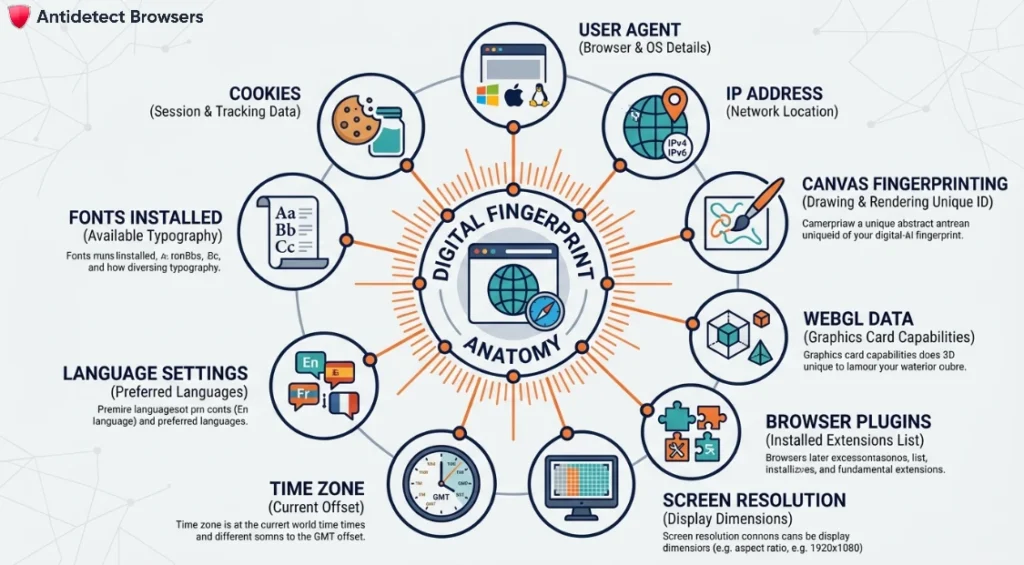
A free anti-detect browser is a specialized Chromium or Firefox-based tool that creates isolated browsing profiles, each with its own unique digital identity. Unlike a standard browser, it prevents platforms like Facebook, Amazon, or Google from linking your multiple accounts back to one device.
Under the hood, it rewrites the signals that websites quietly read to identify you. This includes your canvas fingerprint, WebRTC data, user-agent string, fonts, time zone, and installed hardware parameters.
Each profile also stores cookies and cache separately, so no session bleeds into another. Paired with a proxy, every profile appears as a completely different person on a different machine.
That separation is exactly what makes these tools essential for safe multi-accounting, which we break down next.
Free Anti-Detect Browsers That Protect Your Digital Identity
| Best Free Anti-Detect Browsers | Core Engine | Standout Feature |
|---|---|---|
| Octo Browser | Chromium-based core | 50+ fingerprint spoofing |
| Multilogin | Chromium and Firefox | Deep fingerprint control |
| Dolphin Anty | Chromium-based core | Bulk ad automation |
| Incogniton | Chromium-based core | Selenium, Puppeteer ready |
| MoreLogin | Chromium-based core | Free team collaboration |
| AdsPower | Chromium and Firefox | Visual RPA builder |
| Kameleo | Chromium-based core | Real mobile emulation |
| GeeLark | Cloud Android environment | Unique IMEI profiles |
1. Octo Browser
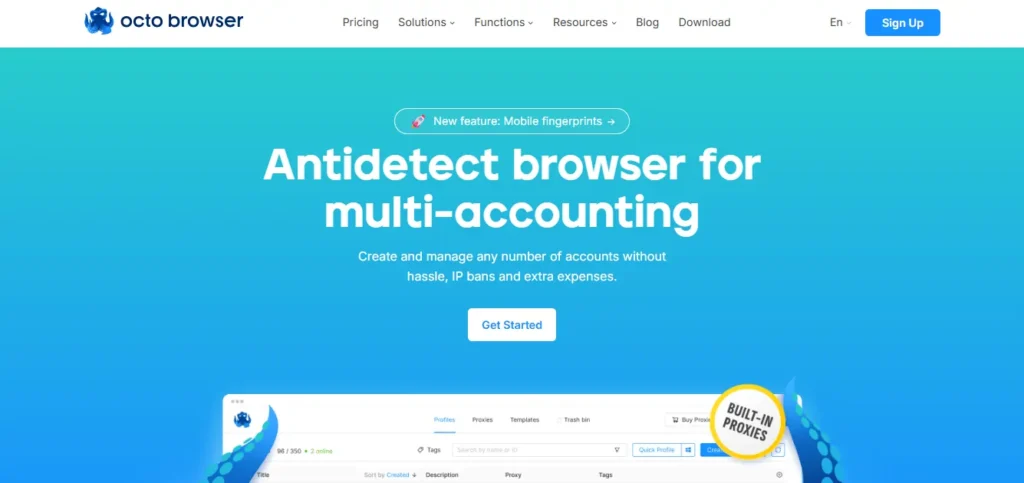
Managing multiple e-commerce, ad, or affiliate accounts on one device often ends in sudden bans, and Octo Browser is built specifically to stop that pattern. It generates real, non-emulated browser fingerprints that pass even strict detection systems like CreepJS.
The tool is ideal for media buyers, arbitrage teams, and traffic professionals who need stability under heavy profile loads. Octo handles hundreds of simultaneous profiles without lag, making it one of the more reliable free anti-detect browsers for scaling multi-accounting workflows with proper cookie isolation and proxy support.
Octo Browser Pros and Cons
Octo Browser Coupon Code: AFFNINJA30
Apply code AFFNINJA30 at checkout to unlock a flat 30% discount on any Octo Browser subscription plan today.
Use Code 🎁
AFFNINJA30
Why Choose Octo Browser?
Trusted by media buyers for stable multi-accounting, ideal for professionals managing large-scale ad and affiliate operations safely.
2. Multilogin
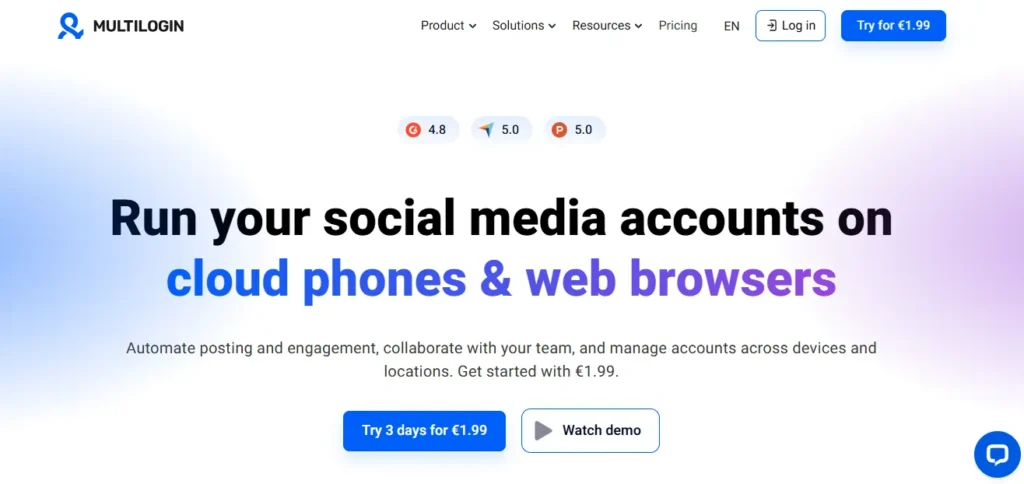
Multilogin is widely regarded as the benchmark for serious, business-scale multi-accounting operations. It offers the most advanced fingerprint customisation available, with both Chromium (Mimic) and Firefox (Stealthfox) engines under one roof.
Multilogin suits agencies, enterprise teams, and experienced affiliates who cannot afford account losses. Cloud-based profile storage, granular team permissions, and API access for automation make it a long-term solution rather than a short-term free anti-detect browser trial, with fingerprints pulled from a real device database.
Multilogin Pros and Cons
Multilogin Coupon Code: AFFMAVEN50
Use promo code AFFMAVEN50 during checkout to claim a verified 50% discount on any qualifying Multilogin subscription plan.

Use Code 🎁
AFFMAVEN50
Why Choose Multilogin?
Built for enterprise-grade reliability, ideal for agencies and professionals managing high-value accounts with zero tolerance for detection.
3. Dolphin Anty
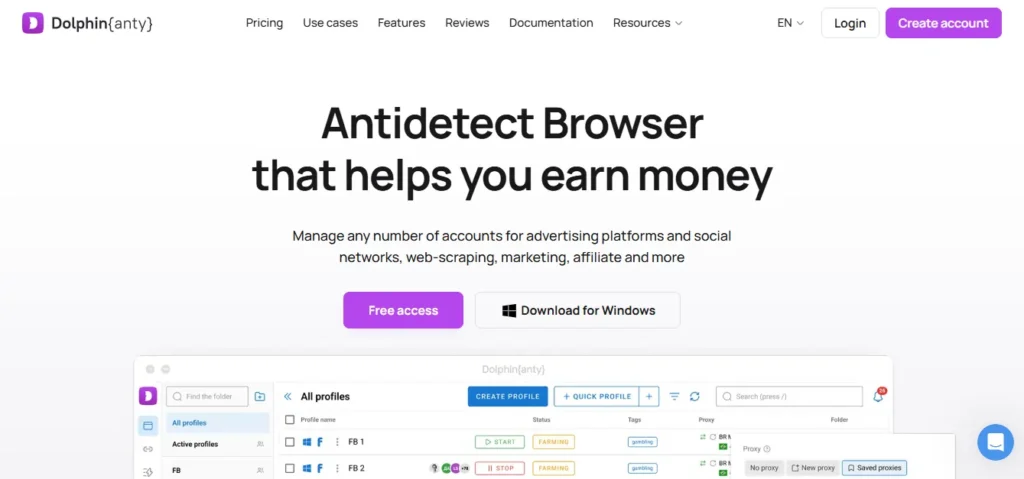
Account holders running paid traffic on Facebook, TikTok, or Google Ads often need tight profile separation, and Dolphin Anty is engineered around that exact workflow. Its free tier covers up to 10 profiles, making it approachable for solo marketers.
The browser is built for affiliate marketers, media buyers, and agencies who need cookie robots, automated profile creation, and Facebook-specific tools.
Features like bulk profile editing, team collaboration, and built-in paste-and-import proxy support make it one of the more practical free anti-detect browsers for ad-focused campaigns.
Dolphin Anty Pros and Cons
Dolphin Anty Coupon Code: AFFBYTE20
Redeem promo code AFFBYTE20 to receive a 20% discount on Dolphin Anty paid plans, ideal for scaling ad operations.

Use Code 🎁
AFFBYTE20
Why Choose Dolphin Anty?
A dependable pick for paid traffic specialists, ideal for affiliates managing Facebook, TikTok, and Google Ads accounts daily.
4. Incogniton
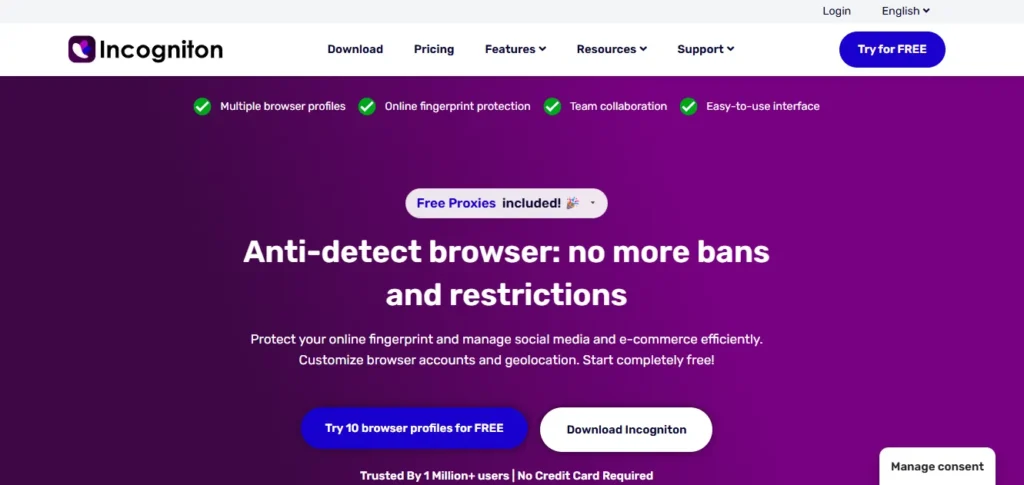
Solo affiliates and small teams often want solid multi-account protection without paying from day one, and Incogniton fits that gap cleanly. Its free plan includes 10 browser profiles with full fingerprint customisation.
The tool works well for dropshippers, affiliate marketers, and freelance account managers who need cookie isolation, Selenium automation, and team sharing without steep pricing. Incogniton's lightweight Chromium base keeps it accessible even on average hardware, making it one of the more beginner-friendly free anti-detect browsers currently available.
Incogniton Pros and Cons
Incogniton Coupon Code
Not publicly disclosed.
Why Choose Incogniton?
Great entry-level option, ideal for solo affiliates and dropshippers learning multi-account management without upfront financial commitment.
5. MoreLogin
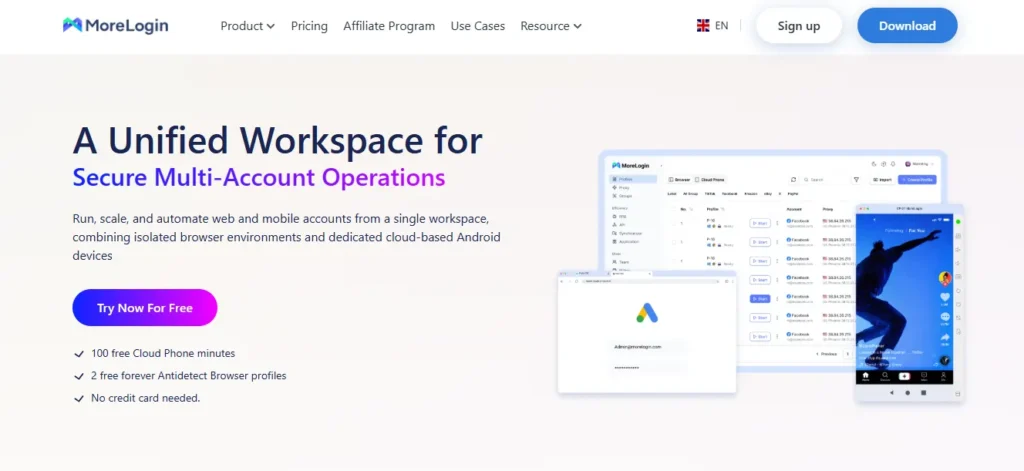
MoreLogin focuses on giving solo users and small teams a generous free plan without compromising on fingerprint accuracy. MoreLogin offers 10 free profiles and aims at users who want a middle ground between free lightweight tools and heavy enterprise suites.
MoreLogin suits drop-shippers, crypto airdrop hunters, and SEO specialists running local SERP checks. Practical use cases include managing multiple marketplace stores, running airdrop farms on different wallets, and automating repetitive account workflows. Its proxy management panel simplifies assigning residential IPs to individual profiles.
MoreLogin Pros and Cons
MoreLogin Coupon Code
Not publicly disclosed.
Why Choose MoreLogin?
Dependable for scaling small teams, ideal for crypto hunters and e-commerce sellers needing shared profiles on a budget.
6. AdsPower
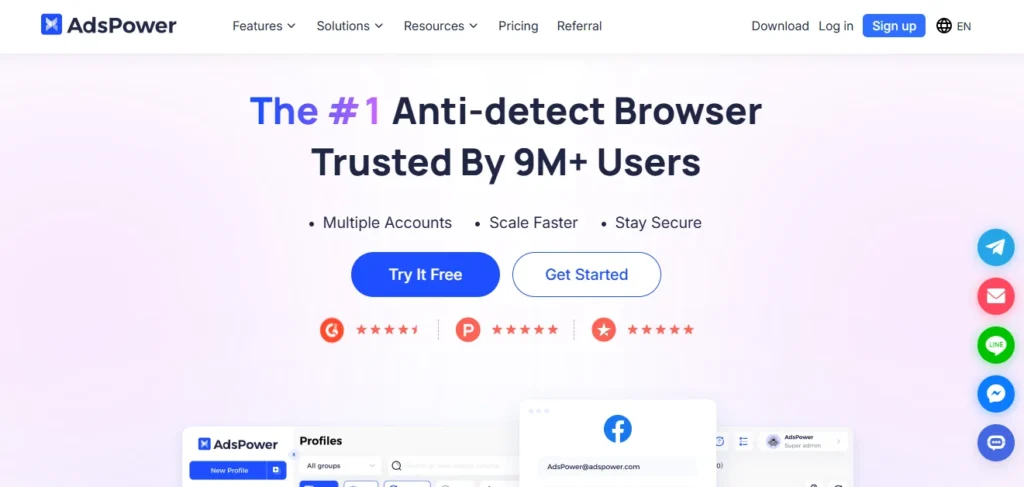
AdsPower is purpose-built for high-volume multi-accounting and sits at the intersection of automation, ad management, and e-commerce. AdsPower's RPA (Robotic Process Automation) builder lets users script repetitive workflows without writing a single line of code.
AdsPower suits e-commerce operators, social media agencies, and ad buyers running 50+ accounts. Practical use cases include bulk Amazon seller management, TikTok shop operations, and automated account warm-ups. The five-profile free plan is modest but fully functional, and the Chromium and Firefox kernels offer genuine flexibility.
AdsPower Pros and Cons
AdsPower Coupon Code
Not publicly disclosed.
Why Choose AdsPower?
Ideal for automation-focused users, suited to affiliates and e-commerce operators scaling multi-account workflows with technical customisation needs.
7. Kameleo
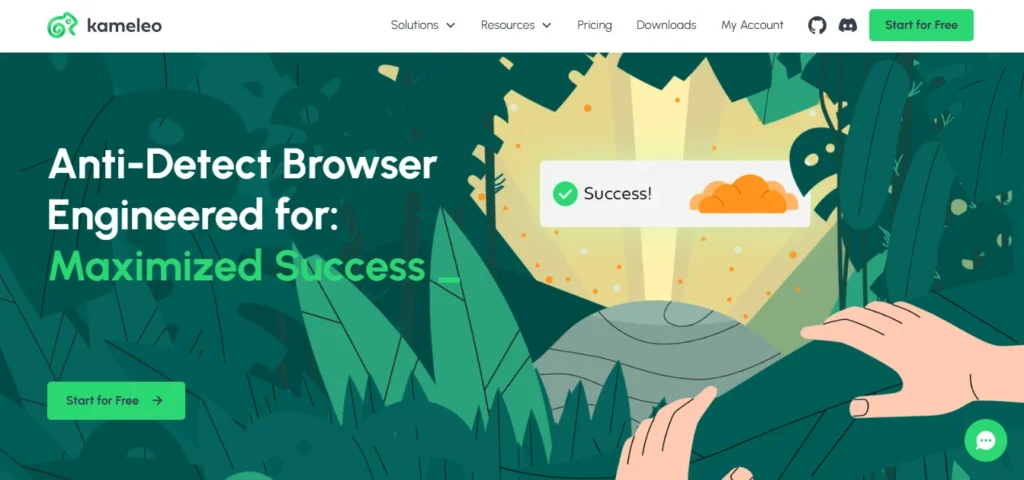
Kameleo is one of the few anti-detect browsers that emulates real mobile device profiles alongside desktop fingerprints. Kameleo becomes a strong pick for anyone needing mobile-first stealth, from app testers to mobile-ad affiliates.
Kameleo suits QA engineers, mobile-proxy users, and advanced affiliate marketers running mobile campaigns. Practical use cases include simulating Android and iOS browser environments, testing responsive landers, and running geo-targeted mobile-ad accounts safely.
Kameleo Pros and Cons
Kameleo Coupon Code
Not publicly disclosed.
Why Choose Kameleo?
Built for developers and testers, ideal for QA engineers and scrapers needing authentic mobile and desktop fingerprint emulation.
8. GeeLark
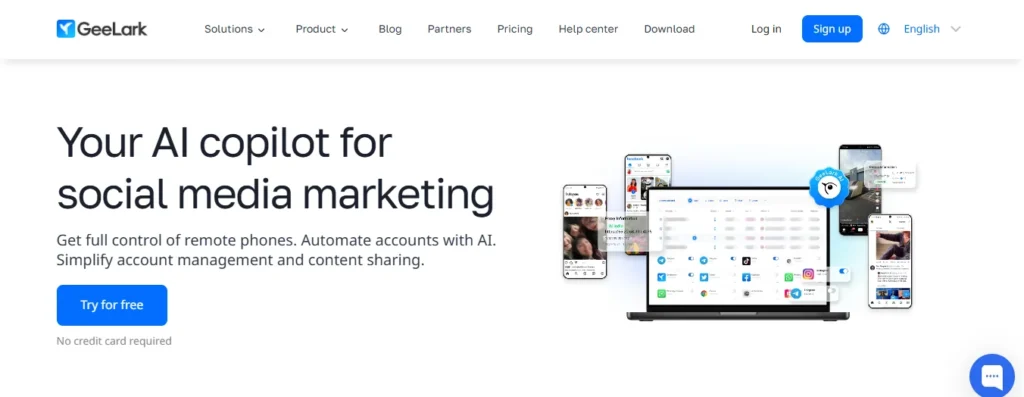
GeeLark takes a different approach from the rest on this list: it creates full cloud phone environments rather than just desktop browser profiles. GeeLark makes each profile act like a genuinely separate Android device, complete with its own IMEI and hardware signals.
GeeLark suits crypto airdrop hunters, TikTok marketers, and app-install campaign runners. Practical use cases include running hundreds of real Android app sessions, managing TikTok shop accounts at scale, and automating mobile-app signups without physical phone farms.
GeeLark Pros and Cons
GeeLark Coupon Code: AFFMAVEN
Apply promo code AFFMAVEN at checkout to unlock a 20% discount on GeeLark cloud phone subscriptions and credit packages.
Use Code 🎁
AFFMAVEN
Why Choose GeeLark?
Unique cloud phone approach, ideal for TikTok creators and mobile affiliates running accounts that demand real device authenticity.
🚀Are Free Anti-Detect Browsers Safe to Use? (Security & Data Risks)
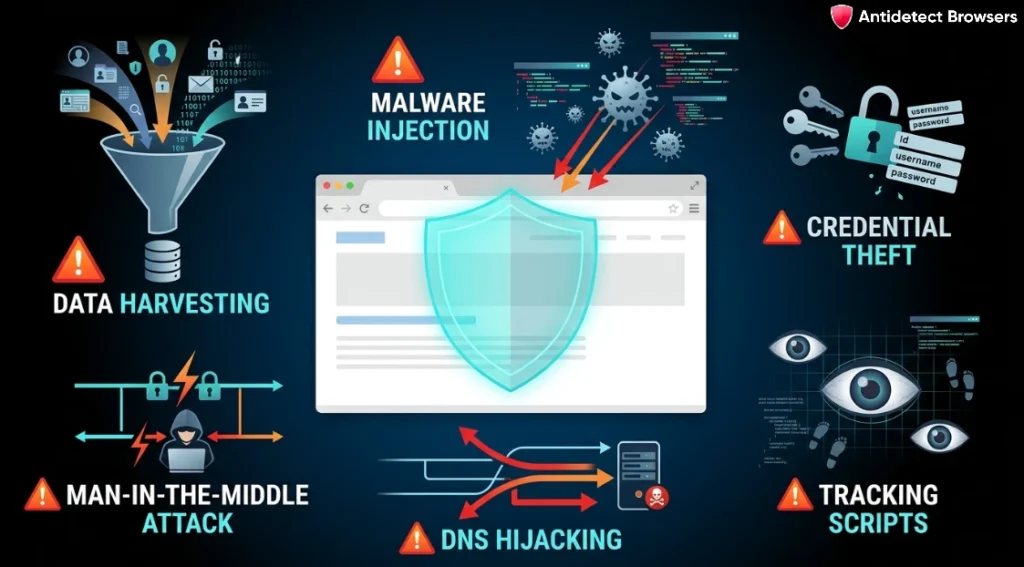
Free anti-detect browsers can be safe, but only when you understand what you're trading for that zero price tag. Safety depends less on the software's marketing and more on its data handling, server location, and update cadence.
Before you install any free build, weigh these practical risks:
Stick to transparent, open-source or reputable vendors to stay protected, affiliates and e-commerce operators scaling multi-account workflows with technical customisation needs.

🎯Final Thoughts
Managing multiple accounts safely comes down to one thing: matching the right tool to the way you actually work.
A solo freelancer handling a few client profiles has very different needs from an agency running paid ads across dozens of markets, and the free anti-detect browsers covered above each lean toward a specific style of user.
Take your time, test a couple of free plans side by side, and pay attention to how each one handles real sessions rather than marketing claims. The right fit usually becomes obvious after a week of honest use.