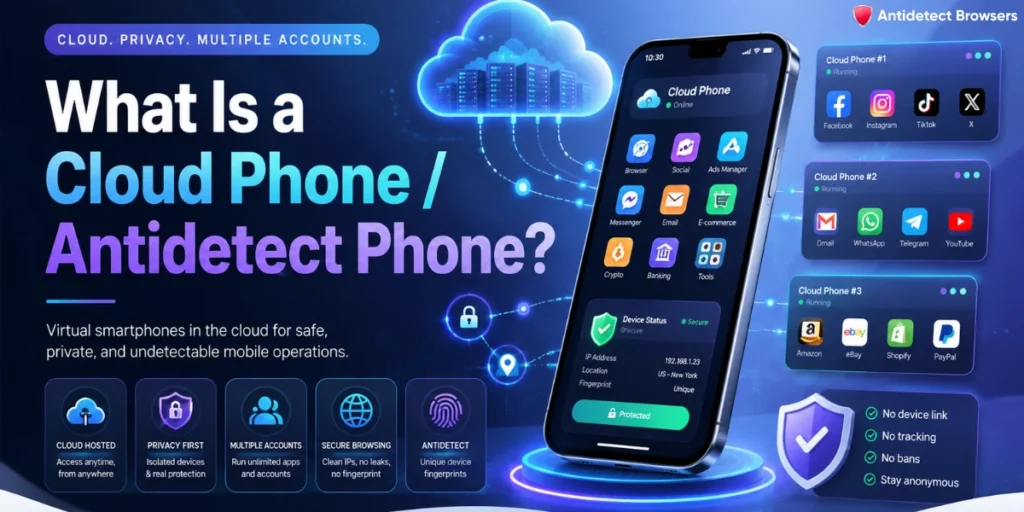
Affiliate marketers hit a wall the moment they try to scale mobile offers. One phone, one IP, and platforms like TikTok start linking accounts fast.
A cloud phone, also called an antidetect phone, fixes that. It hands you a real Android device in the cloud, each with its own unique device fingerprint, so every account looks like a separate person on a separate handset.
No drawer full of burner phones. No tangled SIM cards. Just clean, isolated Android environments you open from a laptop. We test these tools daily, and mobile-first offers behave very differently on them.
Below, we break down how cloud phones work, why they beat browser emulation for app traffic, and exactly where they slot into an affiliate stack.
Cloud Phone Explained: Real Android Devices in the Cloud
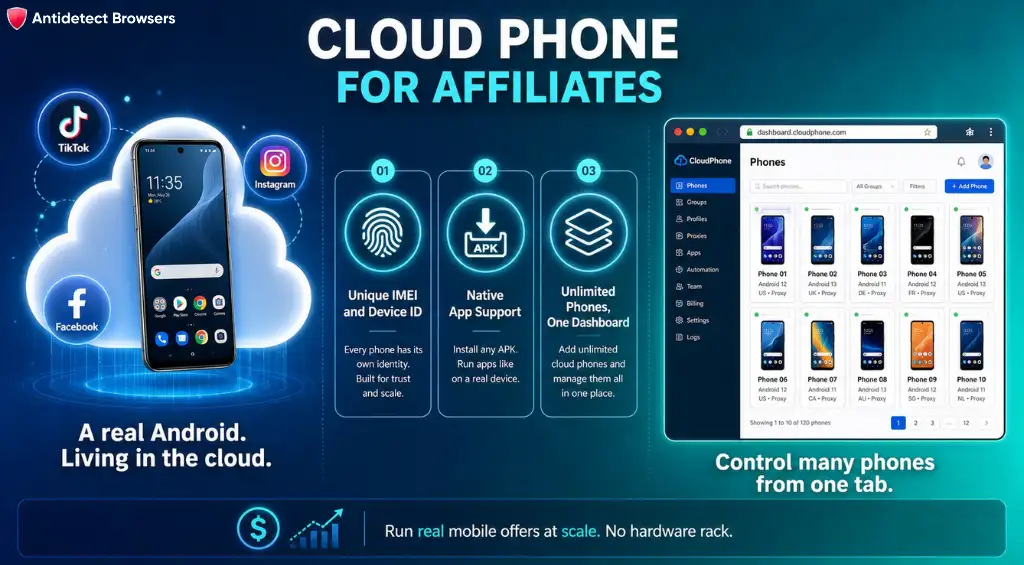
A cloud phone is an Android device that lives on a remote server, not in your pocket. You control it from your computer, but every app, tap, and swipe happens on a genuine Android system hosted in a data centre.
Each one ships with its own device identity. That means a distinct IMEI, device ID, hardware model, and system settings. To TikTok, Instagram, or Facebook, it reads as a real, separate smartphone.
So you get the full mobile experience without buying the hardware. Install native apps, upload an APK, record video, take screenshots, browse, and log in, all from a browser tab.
For affiliates, that last point matters more than anything. Most high-value offers now live inside apps, and apps expect real mobile behaviour. Cloud phones give you that, at volume, without a physical rack.
Here's the quick mental model:
Antidetect Phone vs Antidetect Browser: Key Differences Explained
People mix these two up constantly, so let's settle it. Both help you handle multiple mobile app accounts, but they operate on completely different levels.
An antidetect browser spoofs a browser environment. It can mimic an Android or iOS browser, which suits web logins and browser-based platforms. Treat it as a smarter Chrome with a swappable fingerprint.
An antidetect phone goes further. It emulates the entire phone, not a single browser. You open the actual TikTok app, the actual Instagram app, and the actual wallet app, exactly as a normal user would.
That gap decides which tool wins for a given offer.
| Feature | Antidetect Browser | Cloud Phone / Antidetect Phone |
|---|---|---|
| Environment | Browser only | Full Android system |
| Native app support | No | Yes, any APK |
| Best for | Web accounts, form fills, web offers | App-only offers, TikTok, Reels, wallets |
| Fingerprint | Browser-level | Device-level (IMEI, device ID) |
| Mobile authenticity | Partial | High, reads as a real handset |
| Hardware needed | None | None |
Neither one cancels out the other. Smart affiliates keep both. Web-first campaigns route through an antidetect browser, while app-first campaigns move to a cloud phone.
Why Mobile-First Offers Broke Browser-Only Setups
Traffic went mobile years ago, and offers followed. TikTok, Instagram Reels, and YouTube Shorts are mobile-native platforms first, desktop second.
That shift hurt browser-only setups. When a platform expects app signals and you show up in a mobile browser, you stand out. Detection systems notice the mismatch.
We saw this clearly on Reddit tests. Accounts operated through the official app blended in, and automated flags dropped sharply once activity looked genuinely mobile.
App-only offers make the case even stronger. Plenty of CPI, social, and Web3 campaigns simply won't fire from a browser. You need the real app, and that means a real Android environment.
Cloud phones answer that need without a warehouse of devices. One dashboard, hundreds of clean Android profiles, each ready for a different offer or geo.
How Cloud Phones Work: The 4 Core Components That Matter
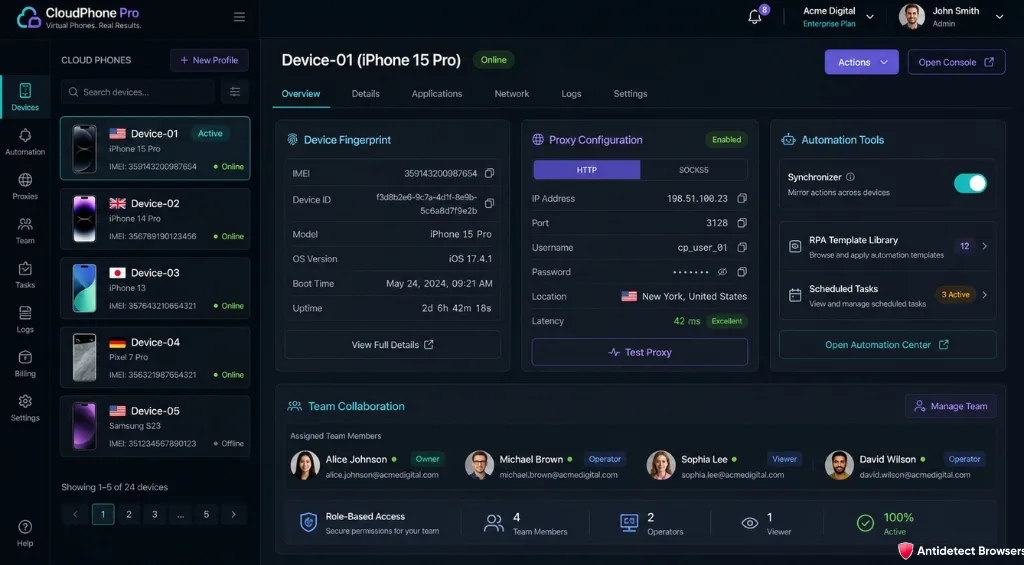
Strip away the marketing and a cloud phone is a bundle of four things affiliates actually care about. Get all four right and accounts stay separated and stable.
The automation layer is where scale becomes real. A Synchronizer lets you act in a main profile and replay that action across selected phones at once. An open API and CLI let developers wire cloud phones into custom workflows.
One honest caveat. A clean fingerprint alone won't save a sloppy operation. Proxy quality, human-like behaviour, and sensible daily limits still decide account survival.
Top Cloud Phone Use Cases for Affiliate Marketers
This is the part that pays your bills, so let's get specific. Cloud phones open up campaigns that a single handset or a browser can't touch.
The results back this up. One GeeLark customer selling on Facebook Marketplace moved from around 10 messages a day on browser automation to 200 a day on cloud phones, with roughly $2,000 monthly profit and a 20 times jump in outreach.
Another operator grew from 20 profiles to over 1,000, aged 894 Reddit accounts at about a 95% survival rate, and cut device cost from $100 per handset to $1.20 per day. A content team reported 4.3 times more output, a 27.5% lower CPA, and 64% fewer soft account flags after moving off physical phones.
Those are the numbers that make cloud phones worth a line in your budget.
Cloud Phone vs Emulator vs Phone Farm: Full Comparison
Affiliates usually weigh three options for mobile accounts. Each solves a slice of the problem, and costs differ a lot.
An Android emulator sits locally on your machine. Fine for light testing, yet it leans on your own hardware and struggles past a handful of profiles. Scaling gets painful fast.
A physical phone farm gives you genuine devices, but it's expensive, hard to store, and a headache to maintain. Charging, cabling, and manual handover eat hours.
A cloud phone splits the difference. Real Android authenticity, no hardware, and near-instant scaling from one dashboard.
| Criteria | Cloud Phone | Android Emulator | Physical Phone Farm |
|---|---|---|---|
| App authenticity | High, real Android | Medium, local signals | High, real devices |
| Scaling | Launch hundreds fast | Limited by your PC | Buy every device |
| Upfront cost | $0 to start | Free software | Very high |
| Maintenance | None | Local machine | Charging, storage, repairs |
| Team access | Shared dashboard | Single machine | Hard to share |
| Best for | App offers at scale | Quick local tests | Full offline control |
For most affiliate teams chasing mobile offers, the cloud phone column wins on cost and speed. A physical farm only makes sense when you need total offline device control.
GeeLark: The Best Cloud Phone for Affiliates
We've tested a stack of these platforms, and GeeLark keeps coming out ahead for affiliate use. It bills itself as the first antidetect phone built for mobile app multi-account management, and the product lives up to that framing.
You get real cloud-based Android devices, not a browser dressed up as one. GeeLark currently offers Android 9 through 15, so you can match each profile to a version that suits your target apps.
Every cloud phone carries a distinct fingerprint, connects to your chosen proxy, and opens any Android app you install. Bright Data, Decodo, Proxy-Seller, and Multilogin all plug in as proxy or platform partners.
Automation is a real strength here. RPA templates, a Synchronizer, an open API, ADB access, and a CLI let you script and scale without babysitting each phone. GeeLark AI even helps with video and content tasks inside the workspace.
The pricing model is usage-based, which suits affiliates who scale in bursts.
| Item | Cost | Notes |
|---|---|---|
| Free plan | $0 | 2 profiles, 30 bonus minutes, 1 seat, RPA, proxy tools, GeeLark AI |
| Cloud phone usage | $0.007 / minute | Default pay-as-you-go rate |
| Daily cap per device | $1.20 | Paid plans never charge more per phone per day |
| Monthly rental | $29.9 / device | Unlimited minutes on that device |
| Time add-ons | From $14 / 2,000 mins | Bigger bundles unlock up to 35% off |
Two things stand out for affiliates. First, that $1.20 daily cap keeps heavy testing predictable. Second, the free plan lets you trial the whole flow before spending a cent, no card required.
Apply coupon code AFFMAVEN at checkout to save 20%.
Multilogin: A 2-in-1 Antidetect Browser and Cloud Phone Platform
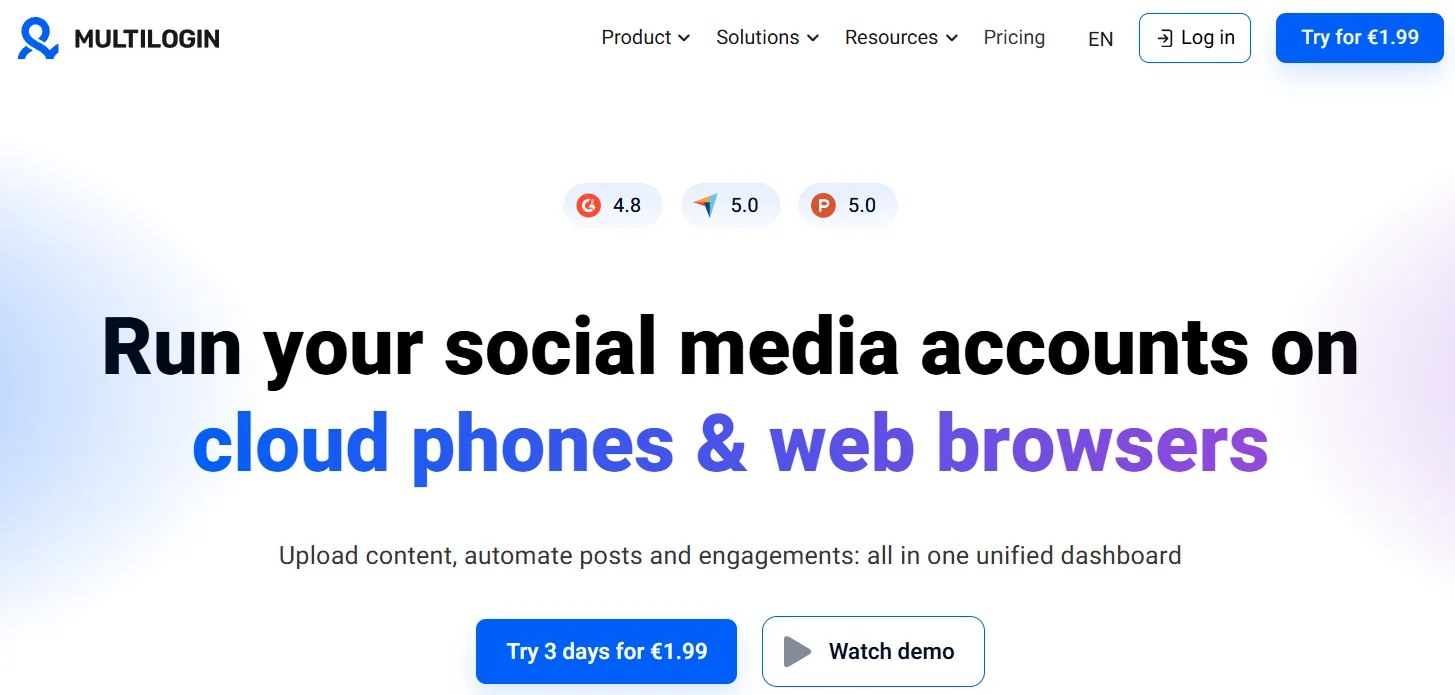
If you'd rather keep browser profiles and cloud phones in a single dashboard, Multilogin deserves a look. It's a 2-in-1 platform, pairing real Android Cloud Phones with antidetect browser profiles side by side.
That combo suits affiliates who work web offers and app offers together. Web campaigns stay in browser profiles, app campaigns move to a cloud phone, and both sit in one place.
Multilogin also ships a free plan with no card needed, so you can test the workflow first. When you upgrade, use coupon BROWSER50 for 50% off your first billing cycle.
Pick Multilogin when a unified browser-plus-phone dashboard saves your team time. Pick GeeLark when your priority is pure mobile scale at a low per-minute cost.
Apply coupon code AFFMAVEN50 at checkout to save 50%.
How to Set Up Your First Cloud Phone (Step-by-Step)
Setting one up is quicker than most affiliates expect. Here's the flow we follow when spinning up a fresh profile.
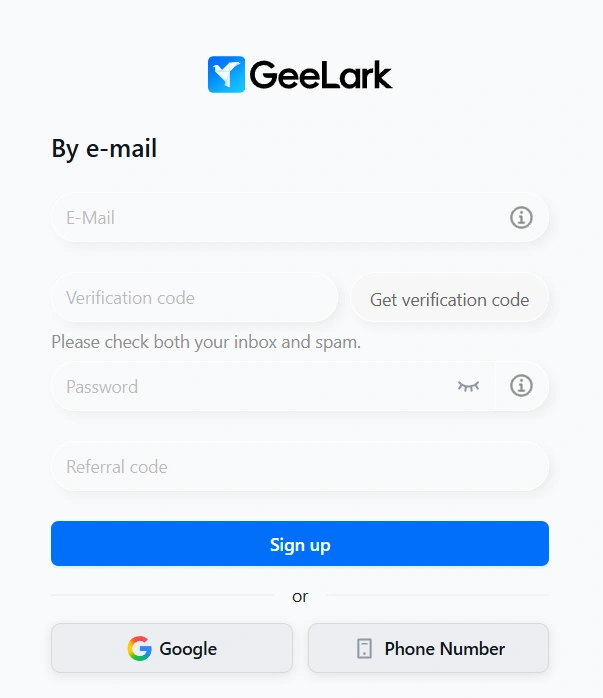
- Sign up and install. Create a free GeeLark account, download the app, and log in. No card needed for the free tier.
- Create a cloud phone profile. Use Quick Create for one, or Batch Create for a template applied across many profiles at once.
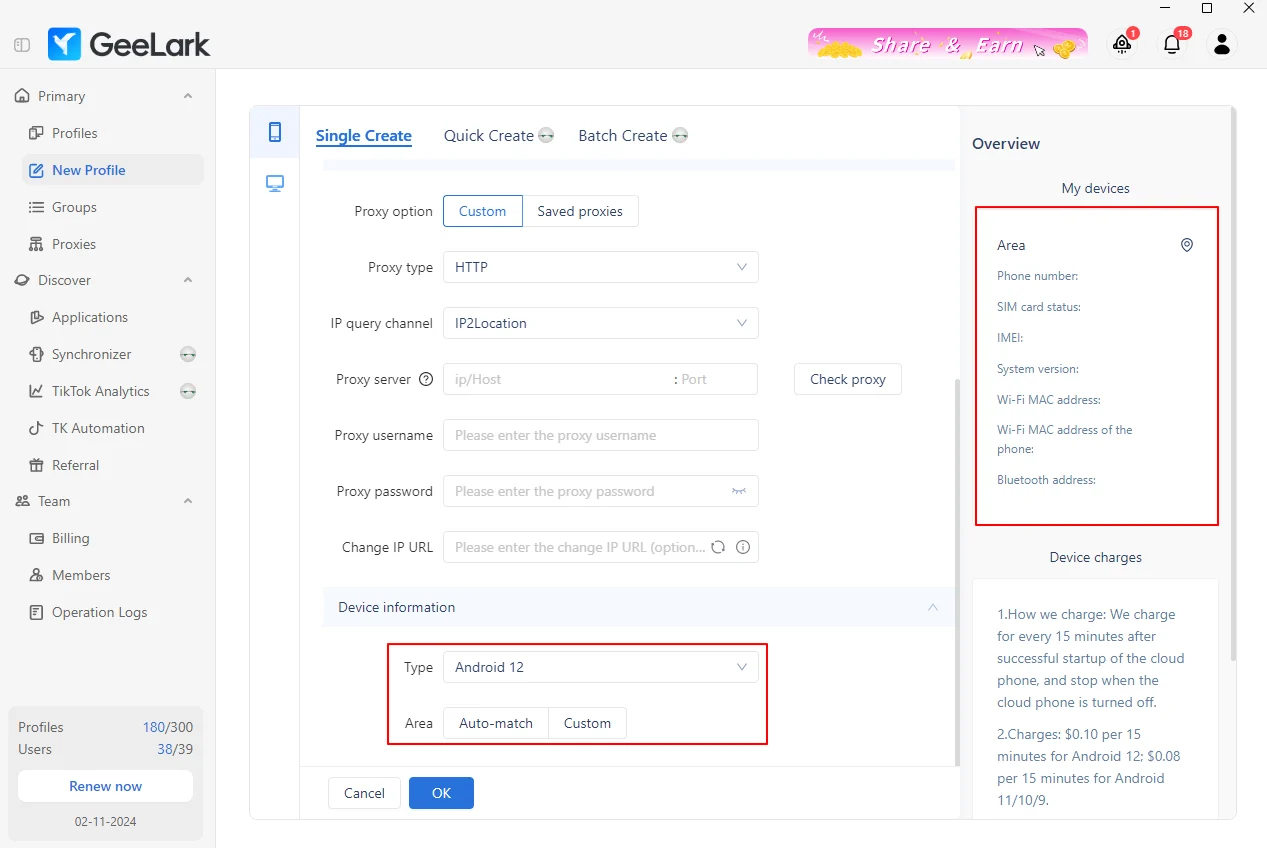
- Attach a proxy. Add a mobile or residential proxy that matches your target geo, then verify the connection before launch.
- Set the device details. Choose your Android version, time zone, and other parameters so the profile fits the account's story.
- Install your apps. Launch the phone, add TikTok, Instagram, a wallet, or upload an APK the store doesn't carry.
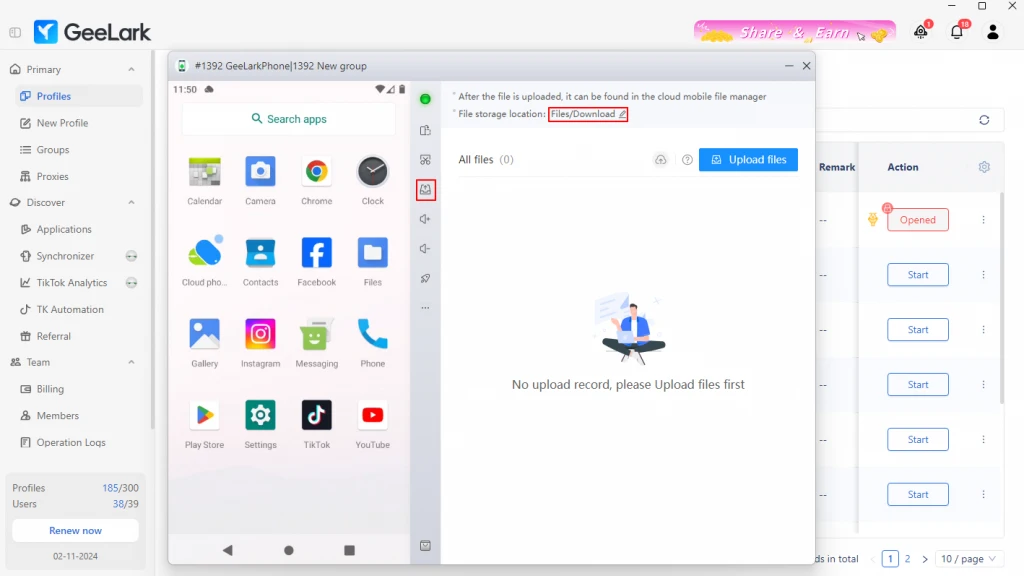
- Warm up the account. Browse, scroll, and interact like a real user for a few days before pushing any offer.
- Automate and scale. Once the flow works, use RPA templates and the Synchronizer to repeat it across your whole fleet.
First launch can take a little longer as the phone provisions. After that, each session opens quickly.
Cloud Phone FAQs: What Affiliates Ask Most
Is an antidetect phone the same as a cloud phone?
Mostly, yes. An antidetect phone is built on cloud phone technology, giving each account an isolated Android environment with its own fingerprint.
Can apps detect a cloud phone?
Platforms weigh many signals, including device, network, and behaviour. A cloud phone helps you stay separated, but proxy quality and human-like activity still matter.
Do cloud phones make calls or receive SMS?
GeeLark cloud phones carry no SIM or eSIM, so they don't handle calls or SMS. Use a separate number service for verification.
Do I need proxies for a cloud phone?
For serious account work, yes. A matched mobile or residential proxy keeps your IP and location consistent with each account.
Can a cloud phone replace a physical phone farm?
For most affiliate teams, yes. You drop the hardware cost and maintenance while keeping real Android authenticity and easy scaling.
Where Cloud Phones Fit in Your Affiliate Tech Stack
Cloud phones aren't a replacement for every tool you own. They're the missing piece for mobile-first, app-only offers a browser can't serve.
Keep your antidetect browser for web campaigns and form-based offers. Add a cloud phone the moment an offer needs a real app, a real device, and real mobile signals.
For most affiliates chasing TikTok, Reels, CPI, or Web3 traffic in 2026, that pairing covers nearly everything. Test small on a free plan, prove the flow, then scale the winners.