So you've hit the ceiling. You're clicking through fifty ad accounts by hand, opening profiles one at a time, pasting proxies, warming cookies, and your wrist hates you. That wall is exactly where an antidetect browser API earns its keep.
Quick answer, straight up: for pure automation muscle in 2026, AdsPower has the friendliest local API automation and now talks to AI agents too. GoLogin wins for cloud browser API control with no local box needed. Multilogin is the pick for locked-down profile management API security at scale. Octo Browser flies for throwaway tasks with disposable browser profiles. Dolphin Anty, BitBrowser, and Hidemyacc round out a strong seven, each with a different sweet spot.
We test these tools with real proxies, real ad accounts, and real scripts. Not a features page. Actual invoices, actual API calls, actual bans dodged. What follows is the honest breakdown for affiliates and media buyers who want to scale ad accounts with code, not carpal tunnel.
Antidetect Browser API Feature Comparison for Media Buyers
Before the reviews, here's the quick map. Every browser below exposes an API, but the type of API changes everything. Local endpoints live on your machine. Cloud endpoints live on theirs. That single choice decides where your scripts execute and how far they scale.
| Browser | API Type | Automation Libraries | Standout API Trick | Score |
|---|---|---|---|---|
| Multilogin X | Local (port 35000) + REST | Selenium, Puppeteer, Playwright (remote) | Strict token security, Android cloud phones | 9.4 |
| AdsPower | Local (port 50325) | Selenium, Puppeteer, Playwright, MCP | AI-agent control via MCP server | 9.6 |
| GoLogin | Cloud-first REST | Puppeteer, Playwright, Selenium, MCP | Launch profiles in the cloud, no local install | 9.0 |
| Octo Browser | Cloud v2 + local CDP | Playwright, Puppeteer, Selenium, CDP | One-time self-deleting profiles | 9.2 |
| Dolphin Anty | Local (port 3001) + Remote | Playwright, Puppeteer, Selenium, CDP | Visual scenario builder plus code | 8.8 |
| BitBrowser | Local (port 54345) | Puppeteer, Selenium, Playwright | Flat, no-fuss local endpoint | 8.5 |
| Hidemyacc | Local | Puppeteer, Selenium | Puppeteer import plus real fingerprint database | 8.3 |
Scores reflect API depth, library support, stability under load, and how well each fits paid-media work. Now the detail. 🔍
🧪 How We Benchmarked Every Antidetect Browser API
Talk is cheap, so here's what actually happened on our bench.
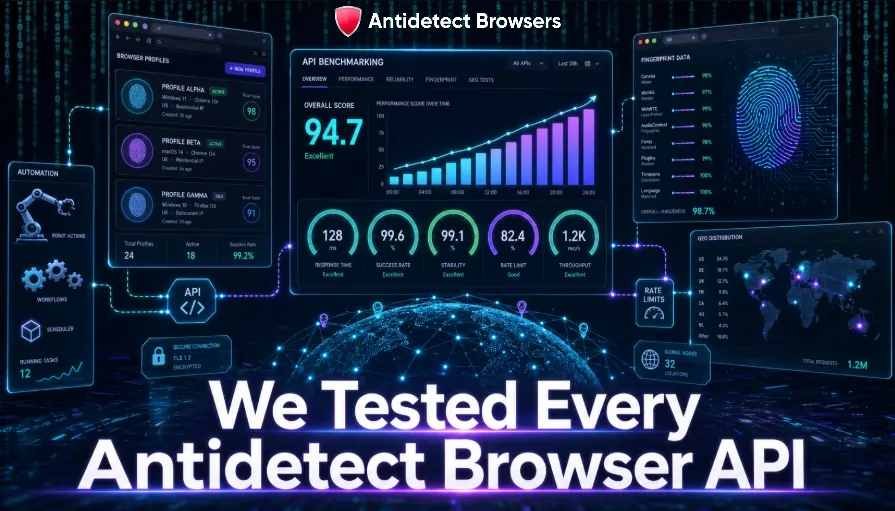
First, we generated bulk profiles through each profile management API and checked if creation, editing, and deletion all worked from code alone. A browser that forces manual clicks for half its features fails the affiliate test fast.
Next came the launch layer. We attached Selenium Puppeteer Playwright scripts to each launched profile and timed how quickly a remote debugging port or WebSocket endpoint handed control to our automation.
Then we stress-tested. We fired repeat calls to see where API rate limits kicked in, since one request per second versus twelve hundred per minute changes how many ad accounts a media buyer can touch per hour.
We also logged fingerprint stability. A profile that drifts its canvas or timezone mid-session gets flagged, so consistency across a long ad account scaling job mattered more than any spec sheet.
Finally, we scored the modern stuff. MCP support, headless behaviour, disposable profiles, and cloud execution all earned points because 2026 automation looks nothing like 2022.
No sponsor touched these scores. Where a tool underperformed, we said so. That's the whole point of AntiDetectBrowsers.
⚙️ What Turns an API Into Real Ad Account Firepower
Not every API deserves your attention. Five things separate a genuine automation engine from a marketing bullet point.
Keep these five in mind as we walk each browser. Every review below maps back to them.
1. Multilogin X: Enterprise Profile Control With Token Discipline
Multilogin X splits its automation into a clean local API automation service on port 35000 plus a REST layer for account-wide control. The local endpoint launches profiles and exposes them for automation; the REST side handles the heavy admin.
That admin layer is deep. Through code, teams create, update, clone, move, restore, and delete profiles, organise folders, generate proxies, check traffic balance, and import or refresh cookies. Bulk creation supports up to ten profiles per call via a single parameter, which speeds up spinning up fresh identities for a new campaign.
One design choice defines Multilogin: automation attaches through remote WebDriver only. Selenium, Puppeteer, and Playwright all work, but a local WebDriver breaks the connection, so scripts must point at the remote endpoint. Odd at first, tidy once learned.
Security gets real attention. Calls authenticate with a Bearer automation token, the standard token expires after thirty minutes, and a refresh endpoint issues a new one. Rate limits sit at the workspace level, shared across every team member, so busy squads coordinate their calls to avoid the cap.
Fresh for 2026, the platform folds Android cloud phones into the same workspace, and its Mimic and Stealth cores give scripts a choice of Chromium or Firefox behaviour. RPA tools aren't supported yet, and that's the honest limit.
Agencies protecting valuable ad accounts with tight access control will feel at home here.
Get 50% OFF Multilogin X with code BROWSER50.
Manage hundreds of browser profiles with secure remote automation built for teams. Claim 50% OFF today with code BROWSER50 and reduce your automation costs.
2. AdsPower: The Most Automation-Ready Local API
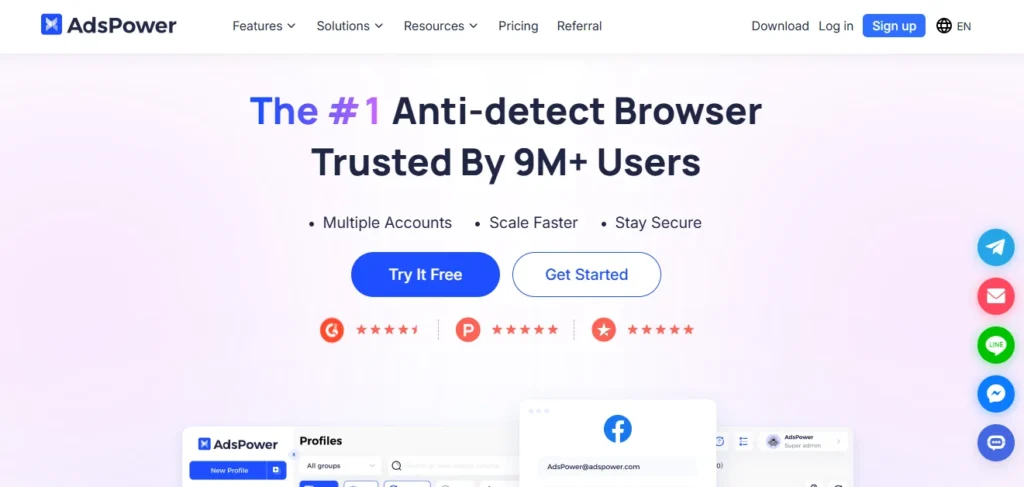
AdsPower keeps its local API automation service on port 50325, reachable at local.adspower.net or plain localhost. Fire a start call with a profile ID and the response hands back a Selenium address, a Puppeteer WebSocket, a debug port, and even the matching WebDriver path. That saves the fiddly job of hunting driver versions yourself.
Coverage is wide. Selenium, Puppeteer, and Playwright all attach cleanly to a launched profile through the returned debug interface. Firefox-kernel profiles come with a marionette port for the same trick.
The 2026 headline is MCP. AdsPower now ships an MCP server, so AI tools that speak the protocol can call browser profiles as live execution environments. Natural-language commands can trigger a launch, build a config, and drive page actions. For anyone wiring MCP AI agents into ad workflows, that's a serious head start.
Headless mode plus a CLI service means AdsPower can operate on a server with no screen attached, controlled by a per-member API key across several devices at once. Security verification locks calls behind that key.
One caveat worth flagging: a few endpoints sit under a fixed one-request-per-second limit, so heavy bulk jobs need pacing. The paid tier unlocks API access, and the free plan gives enough room to prototype scripts first.
For affiliates who want the shortest path from script to launched ad account, AdsPower is hard to beat this year.
🚀 Save 10% on AdsPower the Most Automation-Ready Browser
Automate browser profiles with API keys, headless mode, and enterprise-ready tools. Use AFFBYTE to save 10% on your subscription.
3. GoLogin: Cloud-First Automation Without a Local Machine
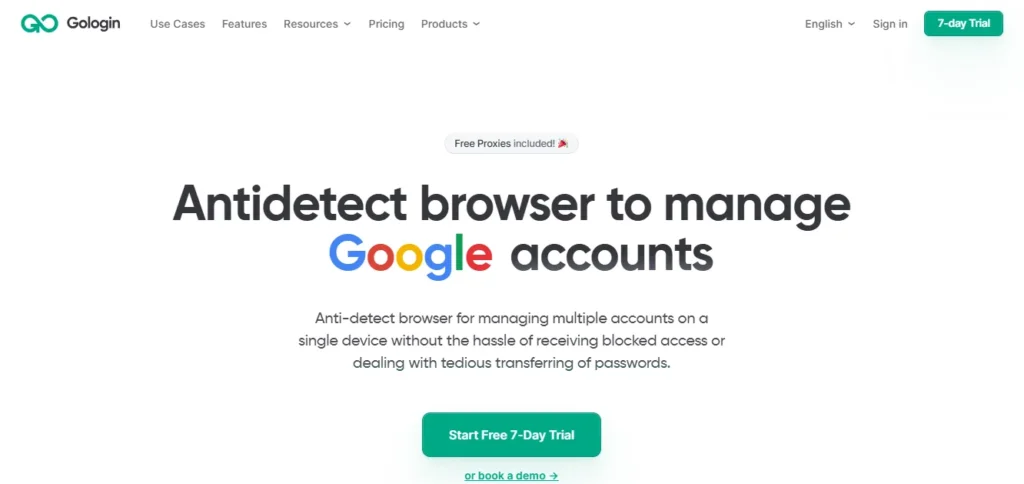
GoLogin flips the usual model. Its cloud browser API lets a profile launch on GoLogin's own servers, then hands back a WebSocket connect URL that Puppeteer or Playwright attaches to as a remote browser. A tired laptop stops mattering, because the browser lives in the cloud.
The REST layer covers profile creation and edits, proxy assignment, cookie injection, fingerprint refreshes, user-agent updates, and tags. SDKs exist for both Node.js and Python, and Selenium fits alongside Puppeteer and Playwright for teams that prefer it.
Cloud Launch is the standout. Profiles sync to the cloud with their fingerprints, cookies, storage, and extensions intact, so the same identity opens from any device, and a web app checks on work from a phone if needed. For distributed teams sharing accounts, that continuity is gold.
GoLogin also joined the AI push with an MCP layer, letting GPT, Claude, Cursor, and similar agents drive profiles programmatically. Pair that with the cloud endpoint and a full MCP AI agents pipeline flows without a single local install.
Rate limits are clear and generous: three hundred requests per minute on free and trial, jumping to twelve hundred on paid plans. That ceiling gives scraping and account jobs plenty of room before backoff logic gets involved.
Affiliates who bounce between devices, or lean on weak hardware, get the most from this cloud-native setup.
4. Octo Browser: Built for Speed and Throwaway Profiles
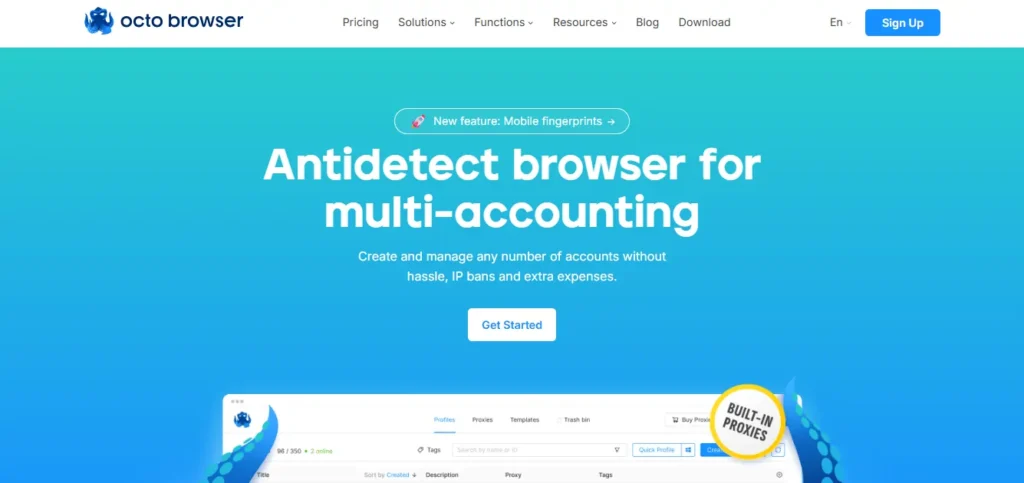
Octo Browser takes a slightly different route. Its v2 API pairs a cloud layer with direct CDP access, so scripts talk straight to the browser through the Chrome DevTools Protocol without a driver sitting in the middle.
Library support is broad. Playwright, Puppeteer or Pyppeteer, Selenium, and raw CDP all connect through the profile debug port. Language freedom is a genuine perk too, with working examples in Go, Ruby, Python, and PHP, which suits mixed engineering teams.
The party trick is disposable browser profiles. A single request creates and launches a one-time profile, then deletes it automatically on close. For high-volume checks, warm-ups, or quick verification jobs, that removes a mountain of cleanup work and keeps the profile list clean.
Standard endpoints cover the rest: creating, editing, deleting, and importing profiles with fingerprints, proxies, cookies, and tags, plus start and stop control. Cookie export has one honest gap, since full cookie pulls happen through the automation library rather than a single API call.
API access opens on the Base tier and up, and RPM plus RPH limits scale with the plan. The token lives in the master account settings, hidden from team members, which keeps control tidy.
Media buyers who churn through short-lived tasks at pace will love the self-deleting flow.
Octo Browser 30% Off Deal for Faster Automation
Manage disposable profiles, proxies, cookies, and automation workflows effortlessly. Claim your 30% discount with code ANTIDETECT30 today.
5. Dolphin Anty: No-Code Builder Meets Real Scripting
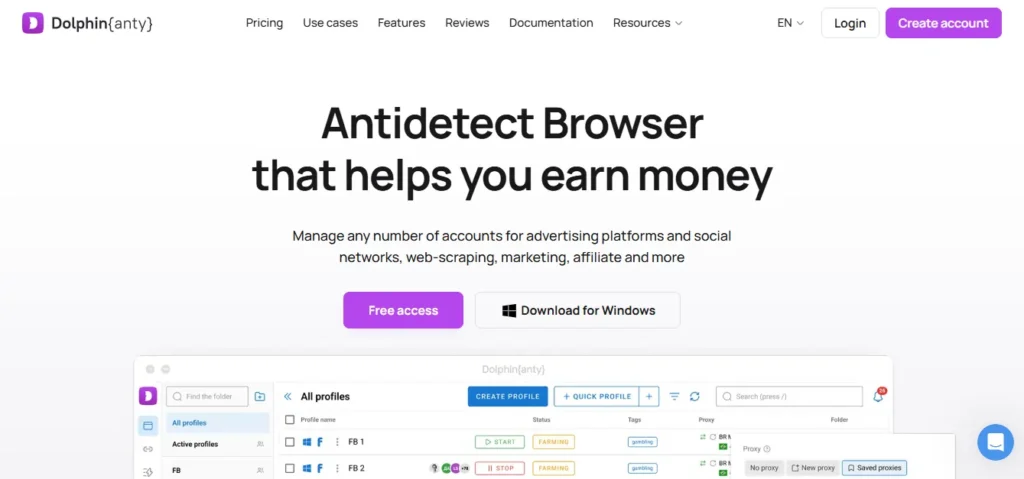
Dolphin Anty serves both crowds. Its local API automation lives on port 3001, and launching a profile with the automation=1 flag returns a remote debug port that Playwright, Puppeteer, Selenium, or plain CDP hooks straight into.
The Remote API adds cloud-side control. From code, teams create and list profiles, stop them, assign proxies, set MAC addresses, tweak screen size, pass launch arguments, and apply tags and platform settings. That covers the full setup loop for a new batch of ad accounts.
The visual scenario builder is what pulls in non-coders. A drag-and-drop canvas lets media buyers assemble warm-up and posting routines with no scripting, then power users graduate to full browser automation tools when the logic gets spicy. Both live in one app.
Team control is handled well through role-based access, so a lead grants limited profile access to virtual assistants without exposing everything.
From field notes shared across automation communities in early 2026, the reliable pattern is connecting over 127.0.0.1 with automation=1, staggering launches by a few seconds, and adding exponential backoff on high-concurrency jobs. Fingerprint and proxy stay pinned at the profile level, which keeps sessions consistent.
Cost-conscious teams scaling Facebook and TikTok accounts get plenty of value from Dolphin's hybrid approach.
🎯 Scale Ad Account Workflows with Dolphin Anty Discount
Run smarter campaigns with profile control, API access, and automation tools. Enter AFFBYTE20 to save 20% on Dolphin Anty.
6. BitBrowser: A Flat, No-Nonsense Local Endpoint
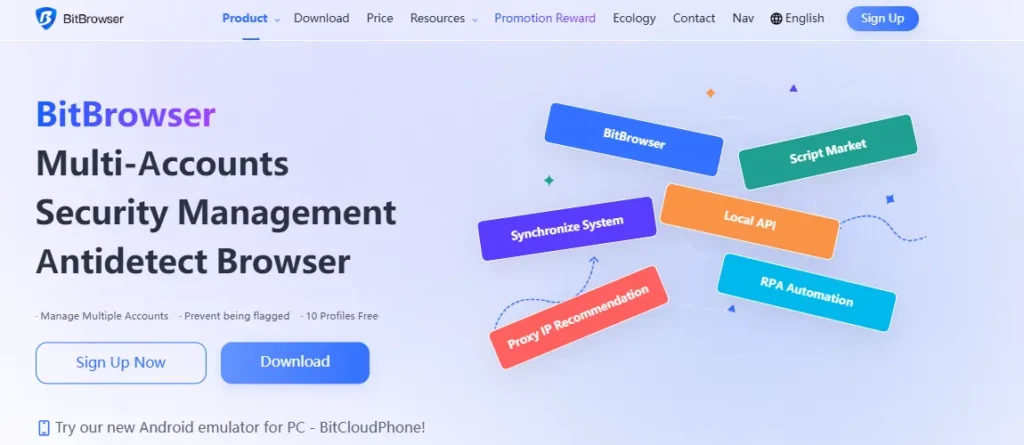
BitBrowser keeps things refreshingly plain. Its local API answers on port 54345, and a quick call to the profile list endpoint returns every profile and its ID in one shot. No hunting, no ceremony.
The core loop is simple: create, start, stop, and delete profiles straight from code. Each launch hands back a WebSocket URL or a WebDriver URL, so Puppeteer, Selenium, and Playwright all attach the same way they would to a normal Chrome instance.
Proxy and cookie control round out the endpoints, which is enough for most multi-account jobs. The local service stays active only while the app is open, so any script assumes the desktop client is live before it starts calling.
For clean scaling, the sensible habit is one profile per account, a fresh proxy per profile, staggered launches, and a tidy stop call after each session. Nothing exotic, just discipline. That keeps ban rates low across bulk campaigns.
BitBrowser won't dazzle with cloud tricks or AI hooks, and that's fine. Affiliates who want a straightforward local endpoint for bulk profile creation on a budget get exactly that, without a learning curve.
7. Hidemyacc: The Gentle On-Ramp That Still Speaks Puppeteer
Hidemyacc lowers the barrier without dumbing things down. Its automation splits into a friendly no-code path and a proper API path, so beginners and coders both find a lane.
The no-code side offers a drag-and-drop builder plus more than thirty built-in scripts at no extra cost, handy for form fills and repetitive account chores. Custom logic imports as JSON or Puppeteer files, and drag-and-drop routines export as encrypted text to reuse across accounts.
On the code side, the run-profile endpoint returns the debug details Puppeteer needs, and official examples cover Puppeteer on Node.js plus Selenium in both C# and Python. That combination suits small teams testing the automation waters before committing to a full stack.
Fingerprint quality is a quiet strength. Profiles pull from a database of real device fingerprints, which holds up against checks like CreepJS, Pixelscan, and BrowserLeaks, so automated sessions read as genuine users.
One honest note: API support sits on select plans only, so the automation lane depends on the tier chosen. Worth checking before committing a workflow.
Newer affiliates who want automation without a steep coding climb, yet still keep a Puppeteer door open, land nicely on Hidemyacc.
📈 How Media Buyers Wire These APIs Into Ad Scaling
Enough specs. Here's how the pieces click together in real paid-media work.
Picture a media buyer prepping eighty fresh accounts for a new offer. Instead of eighty manual setups, a single script loops the profile management API, creating each profile, attaching a unique residential proxy, and pinning a matching timezone and language.
Then automation takes the wheel. A Puppeteer or Playwright loop launches each profile through the returned remote debugging port, warms it with light browsing, accepts cookies, and parks it ready for the campaign. Cookies get saved back for next time.
Scaling day looks similar. The same script reopens warmed profiles, uploads creatives, and duplicates ad sets across accounts, all while each identity keeps its own fingerprint and IP. That isolation is what stops one flagged account taking down the batch.
Reporting closes the loop. A nightly job launches profiles headless, scrapes spend and results, and drops everything into a sheet before dawn. No human touches a mouse.
The affiliates who win in 2026 treat their antidetect browser as infrastructure, not a toy. Code does the boring parts, and people focus on offers and hooks that actually move ROI.
🛠️ Building an Automation Stack That Won't Get Flagged
A powerful API means nothing if the setup screams bot. A few habits keep automated sessions quiet.
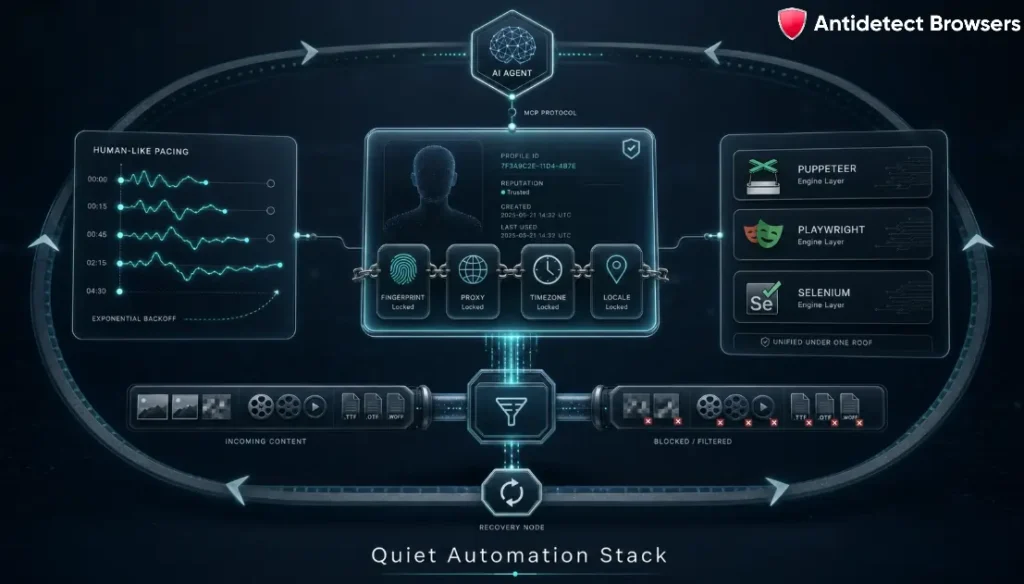
Get these right and the same script that worked on ten profiles holds up at three hundred. Beyond that point, network issues like stalled pages and dropped sockets usually break things before fingerprints ever do, so build in retries.
That's the difference between a demo and a system.
FAQs Related to Antidetect Browser API Queries
Which antidetect browser has the best API for automation in 2026?
For local control with the widest library support and fresh MCP hooks, AdsPower leads. GoLogin takes the cloud crown, and Multilogin wins on token security for larger teams.
Do these APIs work with Selenium, Puppeteer, and Playwright?
Yes. Every browser on this list attaches to at least Puppeteer and Selenium, and most add Playwright plus direct CDP through a returned debug port or WebSocket endpoint.
What separates a local API from a cloud browser API?
A local API controls a browser on your own device, which is fast and private. A cloud browser API launches the profile on remote servers, so weak hardware stops being a limit and profiles open from anywhere.
Can AI agents control these browsers now?
They can. AdsPower and GoLogin both ship MCP support, so tools like GPT, Claude, and Cursor call live profiles as execution environments and drive real page actions.
Are antidetect browser APIs allowed for affiliate and media-buying work?
The tools are legitimate for multi-account isolation and automation. Staying inside each ad platform's own rules falls on the operator, so treat automation as a workflow aid, not a shortcut past policy.
Final Verdict: Pick the API That Fits Your Stack
Here's the whole piece in five lines.
Want the friendliest local endpoint with AI hooks? AdsPower. Need cloud execution with no local box? GoLogin. Protecting valuable accounts at scale with tight tokens? Multilogin X. Churning through fast throwaway tasks? Octo Browser. Blending no-code with real scripting on a budget? Dolphin Anty, with BitBrowser and Hidemyacc as solid, simpler backups.
The pattern across 2026 is clear. The strongest antidetect browser API options give you deep endpoints, proper library coverage, sane rate limits, and now AI-agent control. Match those to how your team actually works, and automation stops being a chore.
We keep testing every one of these at AntiDetectBrowsers, so bookmark this and check back as the APIs shift. Got a scaling setup that's working, or an API quirk that bit you? Drop it in the comments. We read every one. 💬