You open ten tabs, log into three client accounts, and within minutes one of them gets flagged. Sound familiar? If you manage Facebook ad accounts, crypto airdrops, e-commerce stores, or affiliate campaigns, you already know how quickly platforms sniff out overlapping fingerprints, shared cookies, or a single leaky IP.
The frustrating part is that installing yet another desktop tool rarely solves it. Your laptop slows down, team members can't sync profiles, and half your sessions die the moment your Wi-Fi flickers. That's where cloud-based anti-detect browsers step in, promising server-side profiles, remote teamwork, and cleaner fingerprints without draining local RAM.
But not every cloud anti-detect browser handles canvas spoofing, proxy rotation, or multi-account management the same way. This guide walks marketers, agencies, and multi-accounters through what actually matters before committing a budget.
☁️What Are Cloud-Based Anti-Detect Browsers and Why Do You Need One?

A cloud-based anti-detect browser is a virtual browsing environment that runs on remote servers instead of your local machine. It creates isolated browser profiles, each with a unique digital fingerprint, so websites see them as completely separate users.
Unlike traditional desktop tools, your sessions, cookies, and profile data live in the cloud. This means your team can access the same accounts from any device, without sync errors or hardware limits.
Here's why marketers, agencies, and online sellers rely on them:
If multi-account safety and scalability matter to your workflow, these tools quickly move from a nice-to-have to a daily essential.
💥9 Powerful Cloud-Based Anti-Detect Browsers for Safe Digital Operations
| Best Cloud-Based Anti-Detect Browsers | Core Strength | Standout Feature |
|---|---|---|
| Multilogin | Enterprise-grade spoofing | Dual browser cores |
| Octo Browser | Fastest profile launches | Real-device fingerprints |
| GoLogin | Beginner-friendly interface | Built-in free proxies |
| Dolphin Anty | Ad arbitrage focus | Scripted automation scenarios |
| Incogniton | Lightweight starter tool | Selenium automation support |
| MoreLogin | Budget-friendly scalability | Unlimited profile access |
| Kameleo | Mobile fingerprint expertise | Android and iOS spoofing |
| AdsPower | High-volume stability | Advanced RPA engine |
| GeeLark | Cloud phone hybrid | Real Android environments |
1. Multilogin
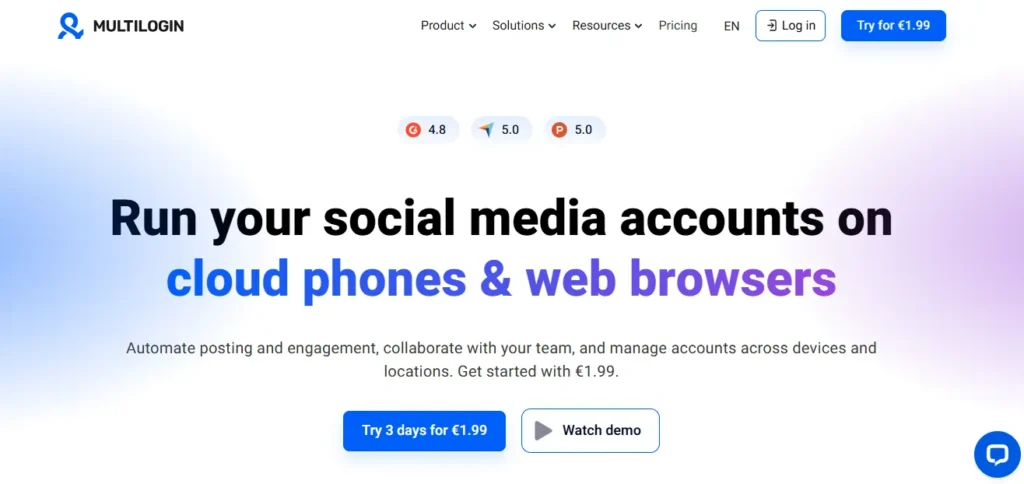
Serious multi-accounters often hit a wall when free tools start leaking fingerprints or failing under scale. Multilogin solves that with one of the most mature cloud-based anti-detect browsers on the market, trusted since 2015 for its depth of spoofing controls.
It uses two custom browser cores (Mimic and Stealthfox) to mask canvas, WebGL, audio, and font fingerprints at the kernel level. It's built for affiliate agencies, e-commerce sellers, and ad-buying teams that manage hundreds of accounts with cloud-synced profiles, proxy flexibility, and full automation via Selenium or API.
Multilogin Pros and Cons
Best for: Agencies running large-scale multi-account operations.
Rating
Multilogin Coupon: Save 50% with AFFMAVEN50
Apply the code AFFMAVEN50 at checkout to unlock 50% off any Multilogin cloud subscription plan for new users.

Use Code 🎁
AFFMAVEN50
Why Choose Multilogin?
A reliable, enterprise-ready anti-detect solution ideal for agencies, serious affiliates, and teams managing high-risk multi-account workflows.
2. Octo Browser
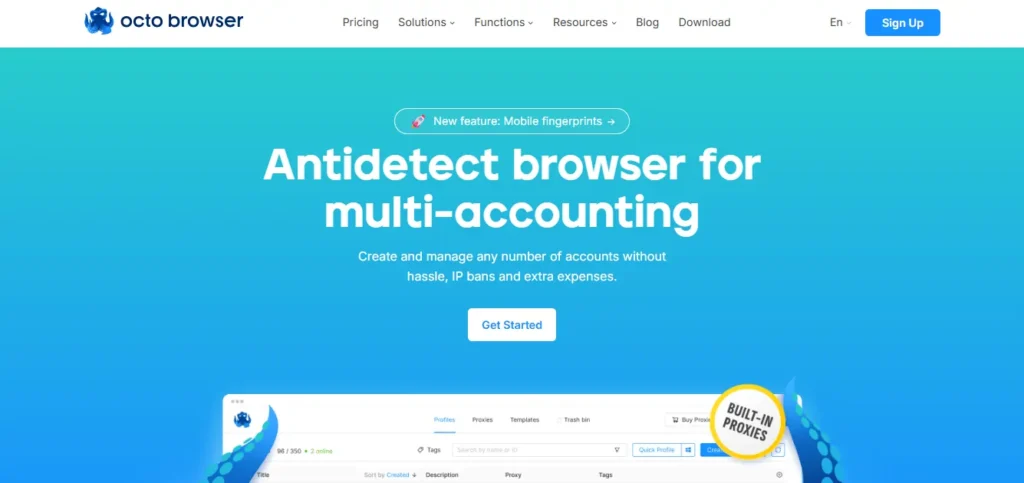
Octo Browser is a Chromium-based cloud anti-detect browser praised for low-latency profile launches and clean fingerprint generation. Speed complaints are common among heavy profile users, and Octo directly answers that frustration with its optimised architecture.
Octo Browser is designed for crypto farmers, ad buyers, and traffic arbitrage specialists. It offers real fingerprint data sourced from real devices, full API automation, and granular team role management, while its cloud profile sync allows remote teams to share accounts securely without cookie conflicts or IP overlaps.
Octo Browser Pros and Cons
Best for: Crypto farmers and high-speed ad account managers.
Rating
Octo Browser Coupon: Grab 30% Off with AFFNINJA30
Use the code AFFNINJA30 during signup to unlock 30% off your first Octo Browser subscription for faster multi-accounting.
Use Code 🎁
AFFNINJA30
Why Choose Octo Browser?
Ideal for power users who value speed, stability, and authentic fingerprints when running large-scale multi-account operations daily.
3. GoLogin
Dolphin Anty focuses heavily on traffic arbitrage, offering automation hooks tailored specifically for ad farming workflows. Media buyers juggling dozens of Facebook and TikTok accounts often burn hours on manual tasks, and Dolphin Anty directly reduces that overhead.
Dolphin Anty provides a free tier for up to 10 profiles, a strong scripting engine, and solid cookie management. Affiliate teams rely on it for social ad account management, bulk profile creation, and testing creatives across multiple geos with minimal detection risk.
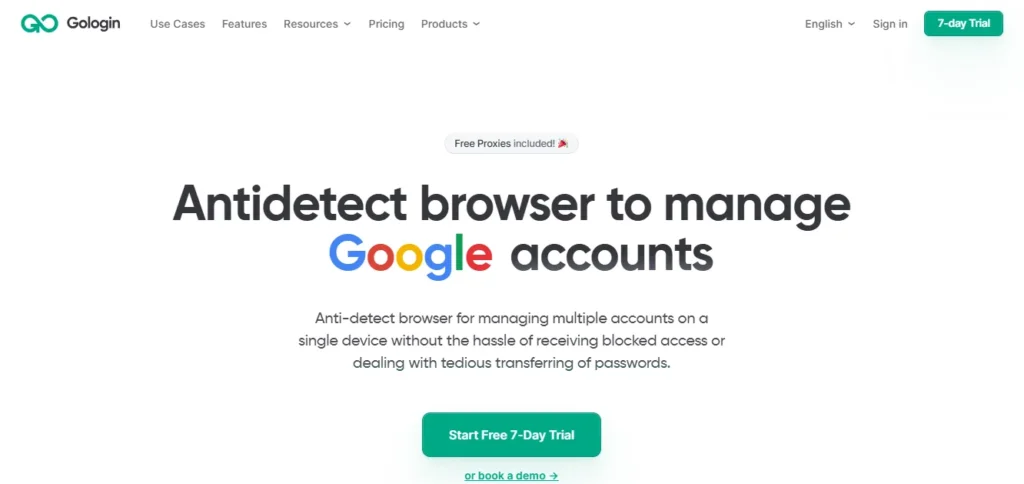
GoLogin Pros and Cons
Best for: Beginners and small teams on a budget.
Rating
GoLogin Coupon
Not publicly disclosed.
Why Choose GoLogin?
A practical, affordable cloud browser ideal for solo marketers and small teams starting out with multi-account management.
4. Dolphin Anty
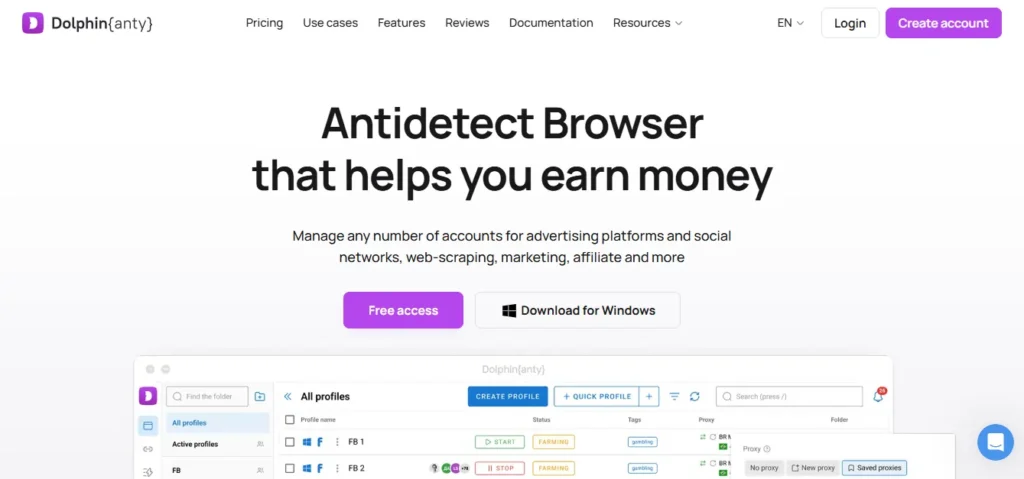
Media buyers juggling dozens of Facebook and TikTok accounts often burn hours on manual tasks. Dolphin Anty focuses heavily on traffic arbitrage, offering automation hooks tailored for ad farming.
It provides a free tier for up to 10 profiles, a strong scripting engine, and solid cookie management. Affiliate teams rely on it for social ad account management, bulk profile creation, and testing creatives across multiple geos with minimal detection risk.
Dolphin Anty Pros and Cons
Best for: Media buyers running paid social campaigns.
Rating
Dolphin Anty Coupon: Save 20% with AFFBYTE20
Apply AFFBYTE20 at checkout to grab 20% off any Dolphin Anty paid plan suited for ad farming and arbitrage.

Use Code 🎁
AFFBYTE20
Why Choose Dolphin Anty?
A practical cloud browser built for affiliate marketers and media buyers scaling social ad accounts without detection headaches.
5. Incogniton — Free Cloud Anti-Detect Browser for Starters
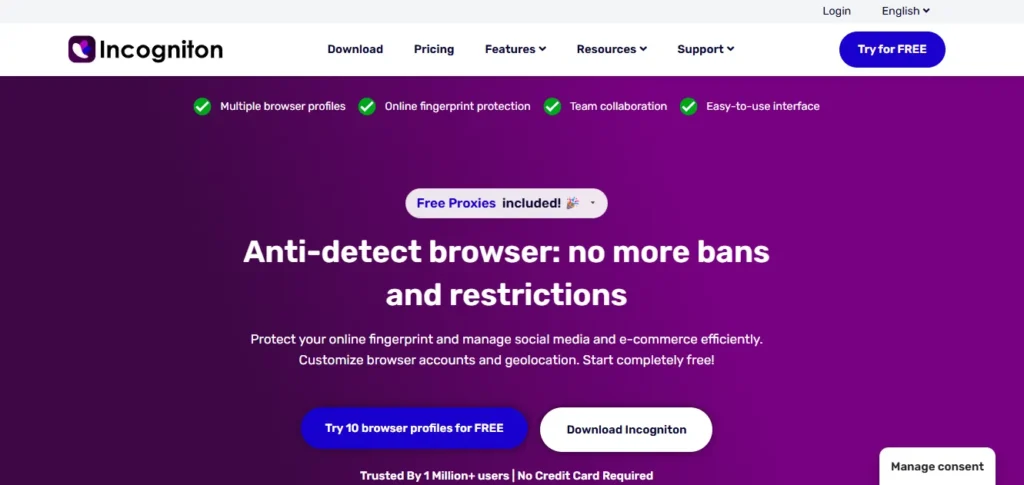
Incogniton keeps the entry barrier low with a permanent free plan covering up to 10 cloud-based browser profiles. Beginners testing the waters rarely want to commit to a paid plan upfront, and Incogniton fits that exact need.
Incogniton delivers solid fingerprint spoofing, Selenium automation, and team sharing inside a lightweight interface. Freelancers, dropshippers, and small affiliate marketers use it as a no-frills starter tool for managing separate customer accounts or test environments.
Incogniton Pros and Cons
Best for: Freelancers and dropshippers testing multi-accounting.
Rating
Why Choose Incogniton?
A dependable free cloud anti-detect browser suitable for newcomers exploring multi-account workflows without financial commitment.
6. MoreLogin
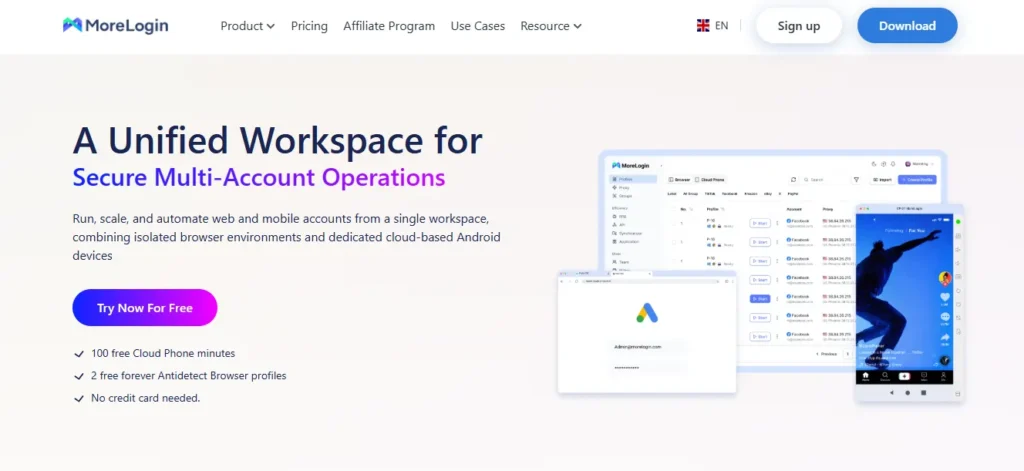
Budget-conscious sellers often sacrifice features when cutting costs. MoreLogin bucks that trend by offering a generous free tier alongside affordable cloud plans with full proxy and RPA support.
It's popular with e-commerce resellers, Amazon sellers, and affiliate marketers who need reliable fingerprint isolation without enterprise pricing. Teams benefit from role-based permissions, cloud cookie sync, and automation APIs for scaling account operations.
MoreLogin Pros and Cons
Best for: E-commerce sellers managing multiple storefronts.
Rating
Why Choose MoreLogin ?
A cost-effective cloud browser ideal for resellers and affiliates who need scalable multi-account tools without overspending.
7. Kameleo
Mobile-first marketers often find desktop-only anti-detect tools limiting. Kameleo stands out by offering genuine mobile browser fingerprints alongside desktop profiles, covering Android and iOS scenarios.
Built for advanced users, it masks canvas, WebGL, and audio fingerprints while supporting Selenium, Puppeteer, and Playwright automation. It suits QA testers, app marketers, and affiliates running mobile traffic campaigns that require authentic mobile identities.
Kameleo Pros and Cobs
Best for: Mobile marketers and QA automation specialists.
Rating
Why Choose Kameleo?
A specialised cloud browser suited to professionals running mobile-focused campaigns or automated testing with authentic device fingerprints.
8. AdsPower
AdsPower handles bulk workloads with a mature cloud infrastructure designed for agencies and high-volume operators. Scaling past a hundred accounts usually breaks cheaper tools, but AdsPower maintains stability even under heavy loads.
AdsPower offers robust RPA automation, API integrations, and cloud-synced profiles that support e-commerce, ad arbitrage, and crypto workflows. Teams appreciate the granular permission controls and large community of shared automation templates.
AdsPower Pros and Cons
Best for: Agencies handling high-volume multi-account work.
Rating
Why Choose AdsPower?
A scalable cloud solution ideal for agencies and power users managing large-volume affiliate, e-commerce, or ad operations efficiently.
9. GeeLark
GeeLark bridges the gap between browser-based and mobile-based multi-accounting by combining a cloud-based anti-detect browser with real cloud phone environments. Standard browsers can't fully replicate mobile app behaviour, which creates issues for app-based campaigns, and GeeLark solves that directly.
GeeLark runs Android profiles in the cloud, enabling genuine mobile app logins for TikTok, WhatsApp, and marketplace apps. Affiliate marketers, app testers, and social media managers use it to operate dozens of mobile accounts safely without physical devices.
GeeLark Pros and Cons
Best for: App marketers running mobile multi-account campaigns.
Rating
GeeLark Coupon: Save 20% with AFFMAVEN
Use the code AFFMAVEN at signup to get 20% off GeeLark's cloud phone and anti-detect browser subscriptions.

Use Code 🎁
AFFMAVEN
Why Choose GeeLark?
A forward-thinking hybrid solution built for marketers needing real mobile app environments alongside traditional cloud browser profiles.
✅ How to Setup Your First Cloud Anti-Detect Browser Profile Safely
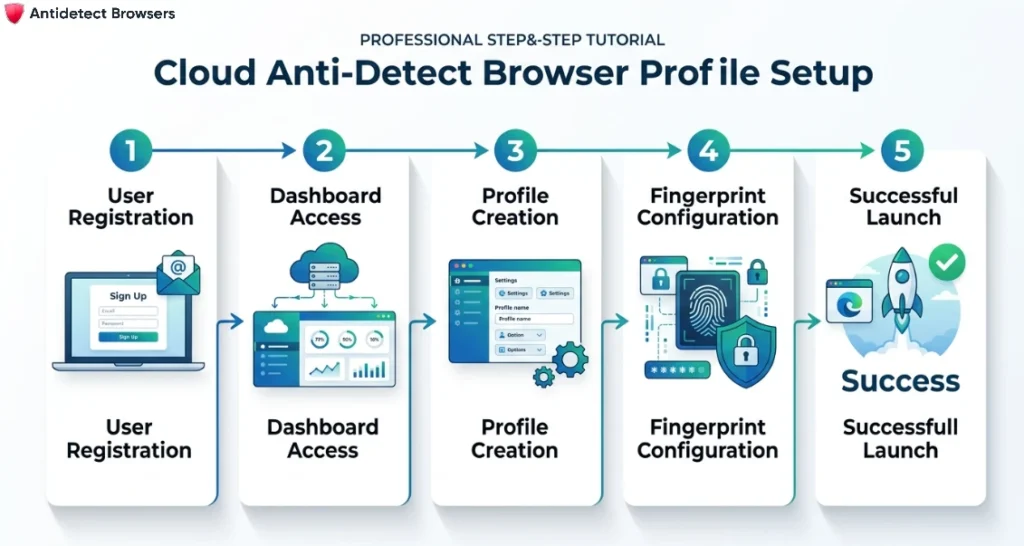
Setting up your first cloud anti-detect browser profile isn't complicated, but skipping small steps can trigger instant flags. A clean setup protects your accounts from day one and saves hours of troubleshooting later.
Follow this simple flow to get started the right way:
Once your first profile runs cleanly, scaling the next ones becomes far easier.
🎯 Secure Your Online Identity with the Right Browser
Every tool on this list brings something different to the table, and the right fit really depends on how you work day to day. A solo affiliate testing three Facebook accounts has very different needs from an agency running hundreds of ad profiles across geos.
Start small, pair your cloud-based anti-detect browser with a trusted proxy, and give each profile time to warm up before scaling. Stability grows with habit, not shortcuts.
Take what you've learnt here, match it to your workflow, and move forward at your own comfortable pace.