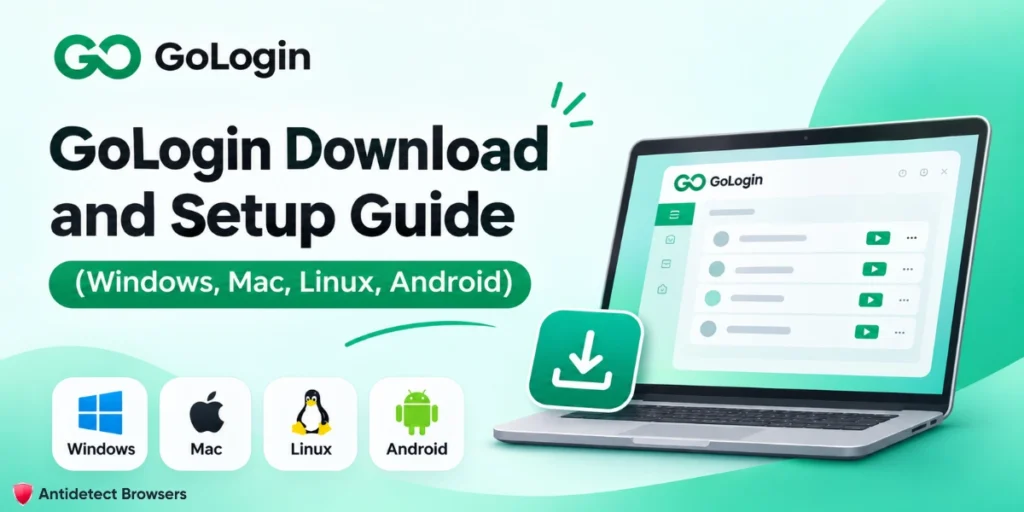
Quick answer: The only safe GoLogin download is gologin.com/download, with builds for Windows 10, 11 and Server 2016 (64-bit), Intel and Apple chip Macs, and Linux. Phones get the app from Google Play (Android 10+) or the App Store (iOS 17+).
Installing is free, the Forever Free plan gives you 3 profiles, and paid plans start at 9/month (4.50/month billed annually).
What are GoLogin's system requirements?
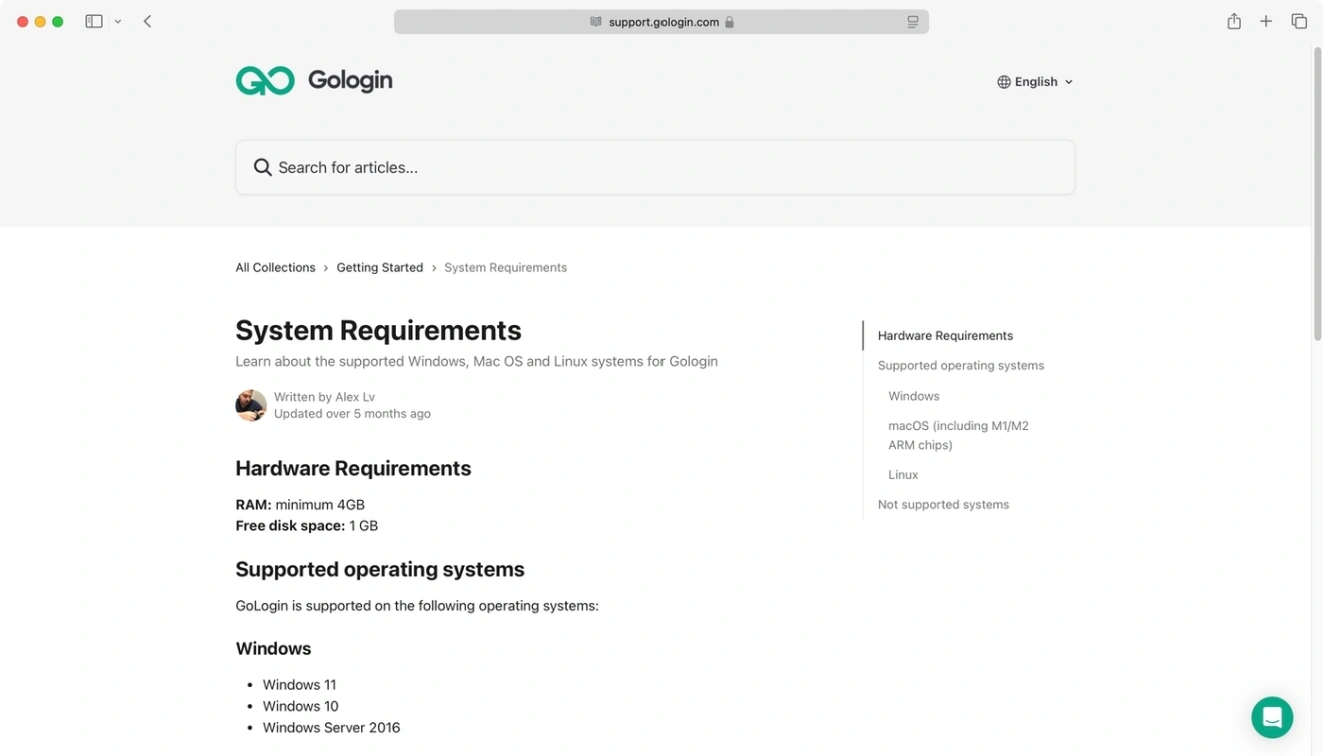
GoLogin needs a 64-bit system with at least 4 GB of RAM and 1 GB of free disk space. Android devices need 3 GB of RAM or more.
| Platform | Supported versions | Official file or store | Notes |
|---|---|---|---|
| Windows | Windows 11, Windows 10, Windows Server 2016 | gologin.exe | 64-bit only. Installer signed by Scalehat Technologies Limited |
| macOS, Apple chip (M-series) | macOS 27, 26 Tahoe, 15 Sequoia, 14 Sonoma, 13 Ventura, 12 Monterey | gologin-arm64.dmg | Notarized by Apple. Monterey limited to Orbita 150 and older |
| macOS, Intel | Same list as above | gologin.dmg | Wrong build on an Apple chip Mac triggers an ARM error |
| Linux | Ubuntu, Mint | gologin.tar | No installer. Extract and run |
| Android | Android 10 and newer, 3 GB+ RAM | Google Play | One profile at a time, sessions not stored |
| iOS and iPadOS | iOS 17 and newer | App Store (Gologin Browser) | Version 1.3.1 listed on 4 Nov 2026 |
| Chrome OS or no install | Any modern browser | app.gologin.com | Cloud profiles need a paid plan |
Not supported: any 32-bit system, Windows 7, 8, 8.1 and Server 2012, or macOS Big Sur and older. Chrome OS has no desktop build, so use the web app.
Where is the official GoLogin download, and how do you know it is genuine?
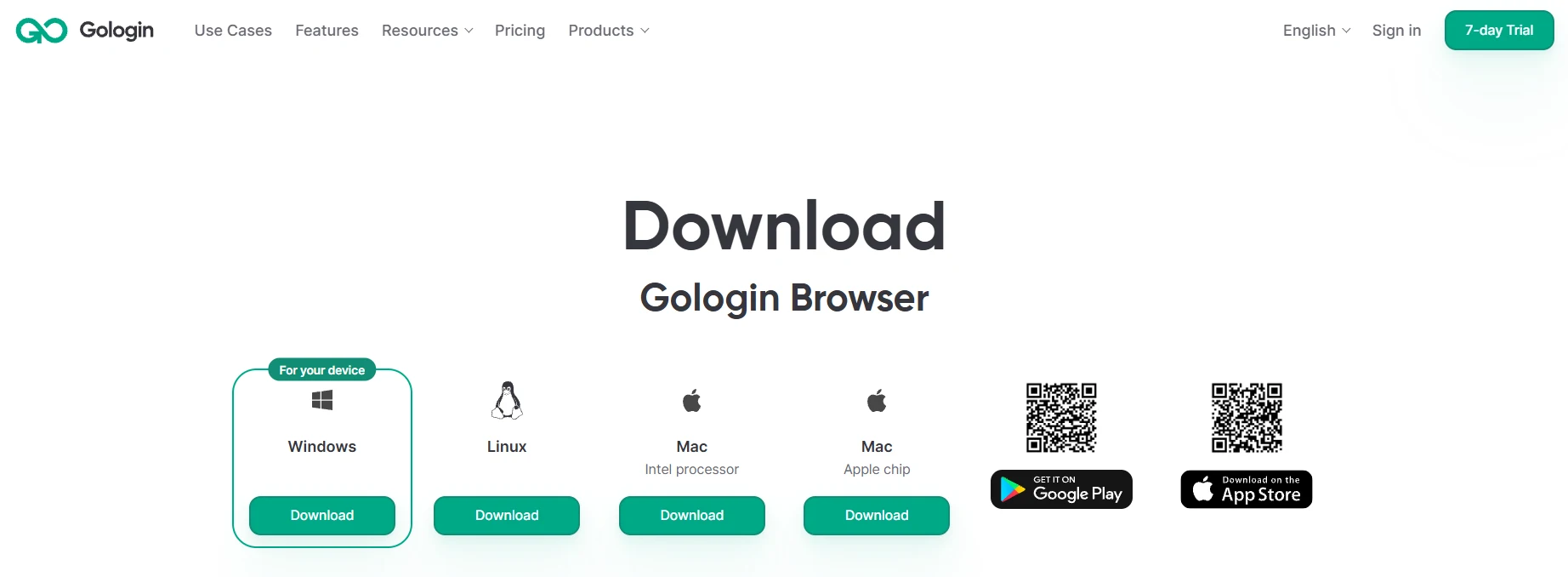
The official GoLogin browser download lives at gologin.com/download. Every desktop file on that page is served from dl.gologin.com, and the phone buttons go to Google Play and the Apple App Store. If a link points anywhere else, close the tab.
Why mirrors and “cracked” builds are a bad trade
An antidetect browser holds the keys to every account you run: cookies, saved logins, proxy credentials. A tampered build can copy all of it, quietly.
The free plan already costs nothing. There is no reason to take the risk.
How to check the installer on each platform
| Platform | What a genuine install looks like | Red flag |
|---|---|---|
| Windows | File named gologin.exe. Right-click > Properties > Digital Signatures should list Scalehat Technologies Limited, and any User Account Control prompt should show it as the verified publisher | No Digital Signatures tab, “Unknown publisher”, or a different signer |
| macOS | First open shows Apple's standard prompt asking if you are sure you want to open an app from the internet. GoLogin says the Mac app is notarized by Apple | macOS says Apple cannot check the app for malicious software |
| Linux | gologin.tar downloaded from the official page over HTTPS | Any .deb, .AppImage or script from another site |
| Android | Google Play listing by developer GoLogin, 1M+ downloads (4 Nov 2026) | An APK file from a mirror |
| iOS and iPadOS | App Store listing “Gologin Browser” by Scalehat Technologies Limited | Any profile or file that asks you to trust a developer certificate |
One naming quirk trips people up. The Windows signature and the App Store seller read Scalehat Technologies Limited, not GoLogin. GoLogin's download page calls Scalehat “the company behind Gologin”, so that is expected.
If Windows or macOS blocks the file, do not override the warning. Delete it, download again from gologin.com/download, and check the signature.
Still blocked? Contact GoLogin support before you run anything.
How to download GoLogin for Windows (PC, Windows 10 and 11)
The GoLogin download for PC is one signed .exe for Windows 10, Windows 11 and Windows Server 2016, all 64-bit. There is no separate Windows 10 build.
- Open gologin.com/download and click Download under Windows. The file is gologin.exe.
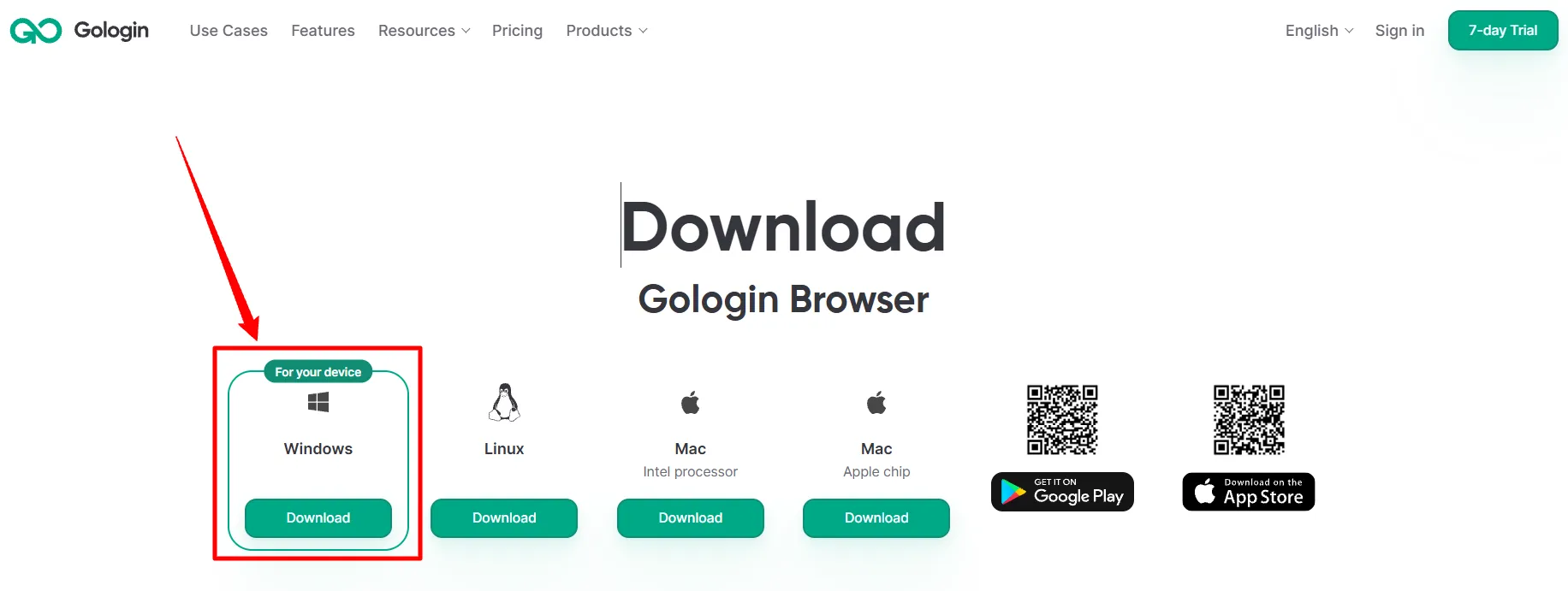
- Before you run it, right-click the file, open Properties > Digital Signatures, and confirm the signer is Scalehat Technologies Limited.
- Double-click gologin.exe. If User Account Control asks, check that the publisher matches before you allow it.
- Follow the installer prompts, then open GoLogin and sign in or create an account (email, Google or Apple).
- GoLogin then downloads its Orbita browser. Profiles cannot launch until that download finishes.
How to download GoLogin for Mac (Intel vs Apple Silicon)
The GoLogin download for Mac comes in two builds, and picking the wrong one is the easiest Mac mistake to make. Check your chip first.
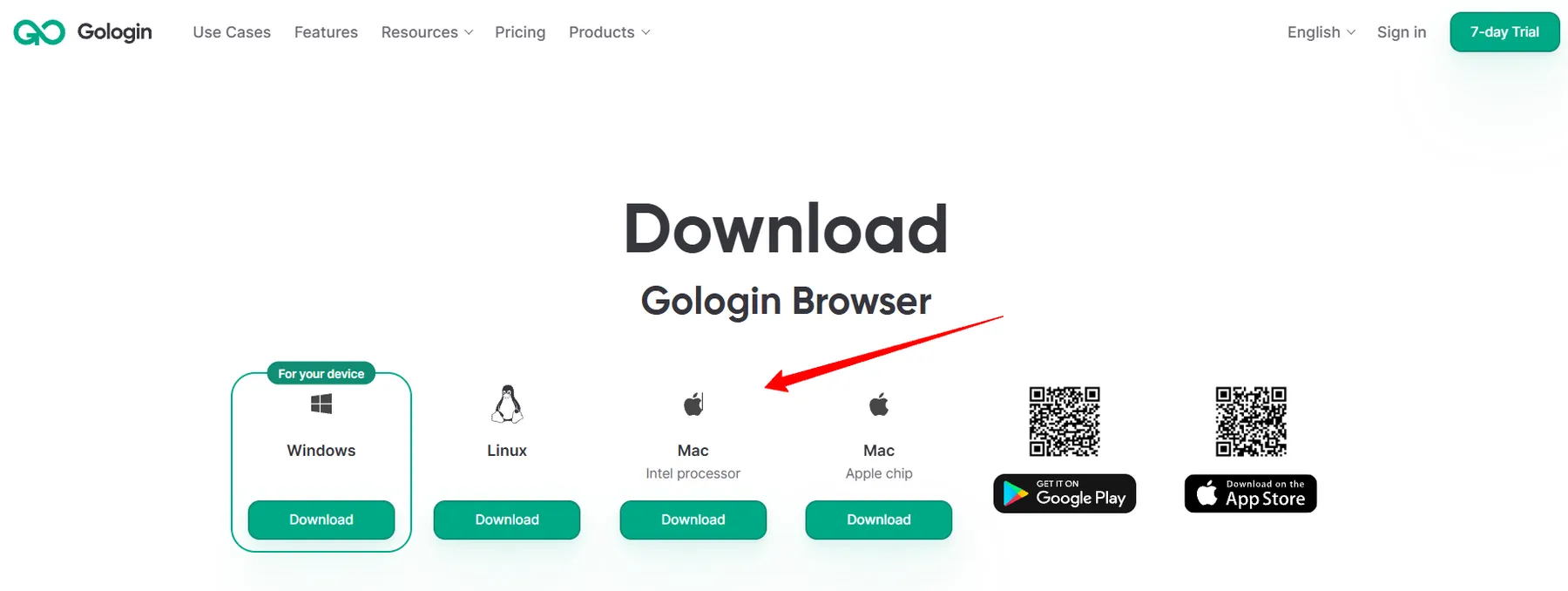
Step 1: Find out which Mac you have
Step 2: Download the matching build
| Your Mac | Button on gologin.com/download | File |
|---|---|---|
| Apple chip (M-series) | Mac, Apple chip | gologin-arm64.dmg |
| Intel processor | Mac, Intel processor | gologin.dmg |
Step 3: Install and open
How to install GoLogin on Linux
GoLogin for Linux ships as a gologin.tar archive with no installer. GoLogin officially lists Ubuntu and Mint.
- Download the Linux file from gologin.com/download.
- Open your Downloads folder, right-click gologin.tar and choose Extract.
- Open the new gologin folder and double-click the GoLogin file to launch it.
- Sign in and wait for Orbita to download.
If it does not open, GoLogin's installation docs give three terminal fixes. Replace <filename> with the actual file name in the folder.
# The system treats the app as a text file: run it once with --no-sandbox

cd ~/Downloads/gologin

./<filename> --no-sandbox

# It will not run at all: make it executable

chmod +x <filename>

# Newer distributions may need libfuse2

sudo apt install libfuse2
If the app opens but profiles do not start when you click Run, the docs point to the Orbita sandbox helper. Their example uses Orbita 145, so change the folder name to the version you have:
cd ~/.gologin/browser/orbita-browser-145

sudo chown root:root chrome-sandbox

sudo chmod 4755 chrome-sandbox
Use –no-sandbox for the first launch only. It turns off a Chromium security layer, so do not leave it in a desktop shortcut.
Running a different distro, or want options with native Linux packages? See our list of antidetect browsers for Linux.
How to get the GoLogin app on Android and iPhone
Download the GoLogin app from Google Play on Android or the App Store on iPhone and iPad. Use the direct store links below to install it.
Android (Google Play)
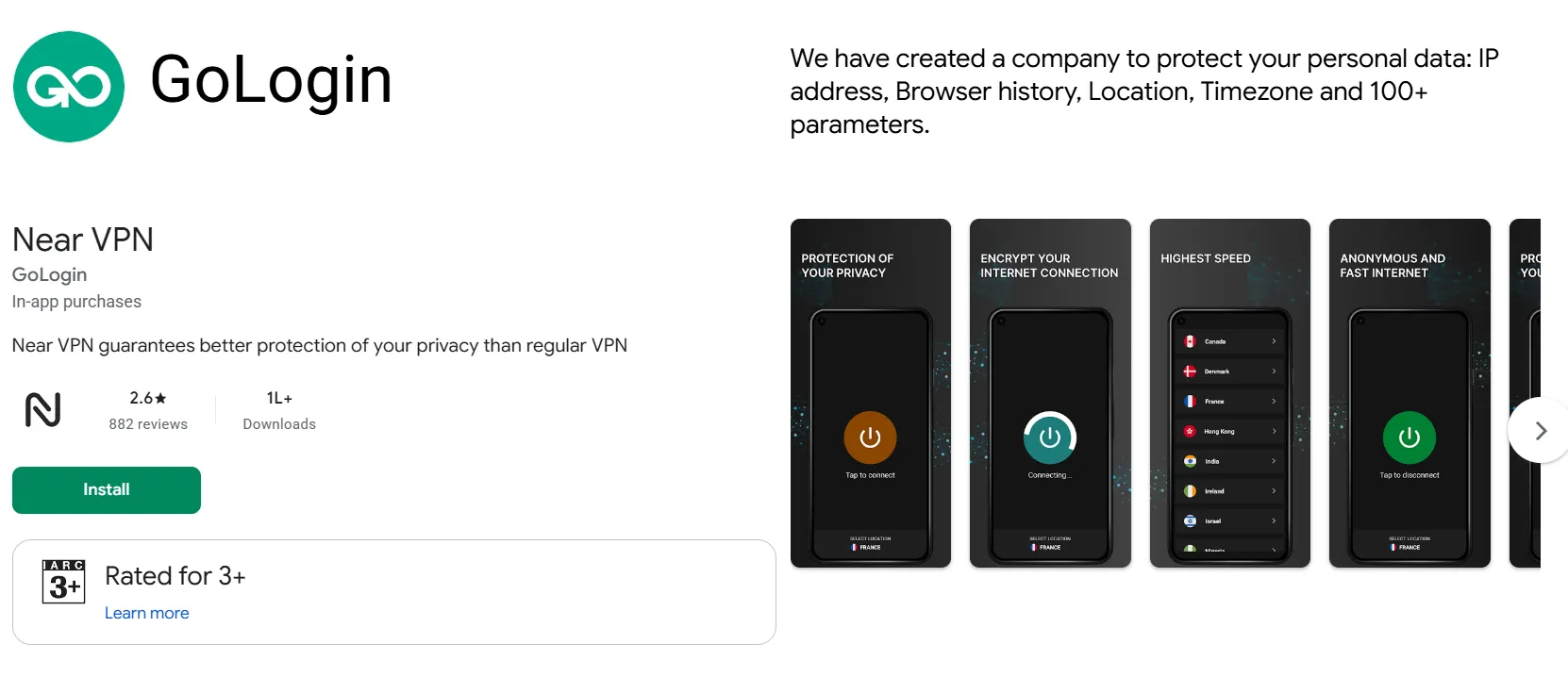
The Android app has 1M+ downloads, a 3.6 rating from around 1.7K reviews. It contains ads and in-app purchases.
Android app access is included on all GoLogin plans, with profile limits tied to your subscription.
Know the limits before you plan a mobile workflow. The Android app runs one profile at a time and has fewer settings than desktop. You may need to sign in again when relaunching a profile. Create separate Android profiles rather than reusing desktop ones.
iPhone and iPad (App Store)
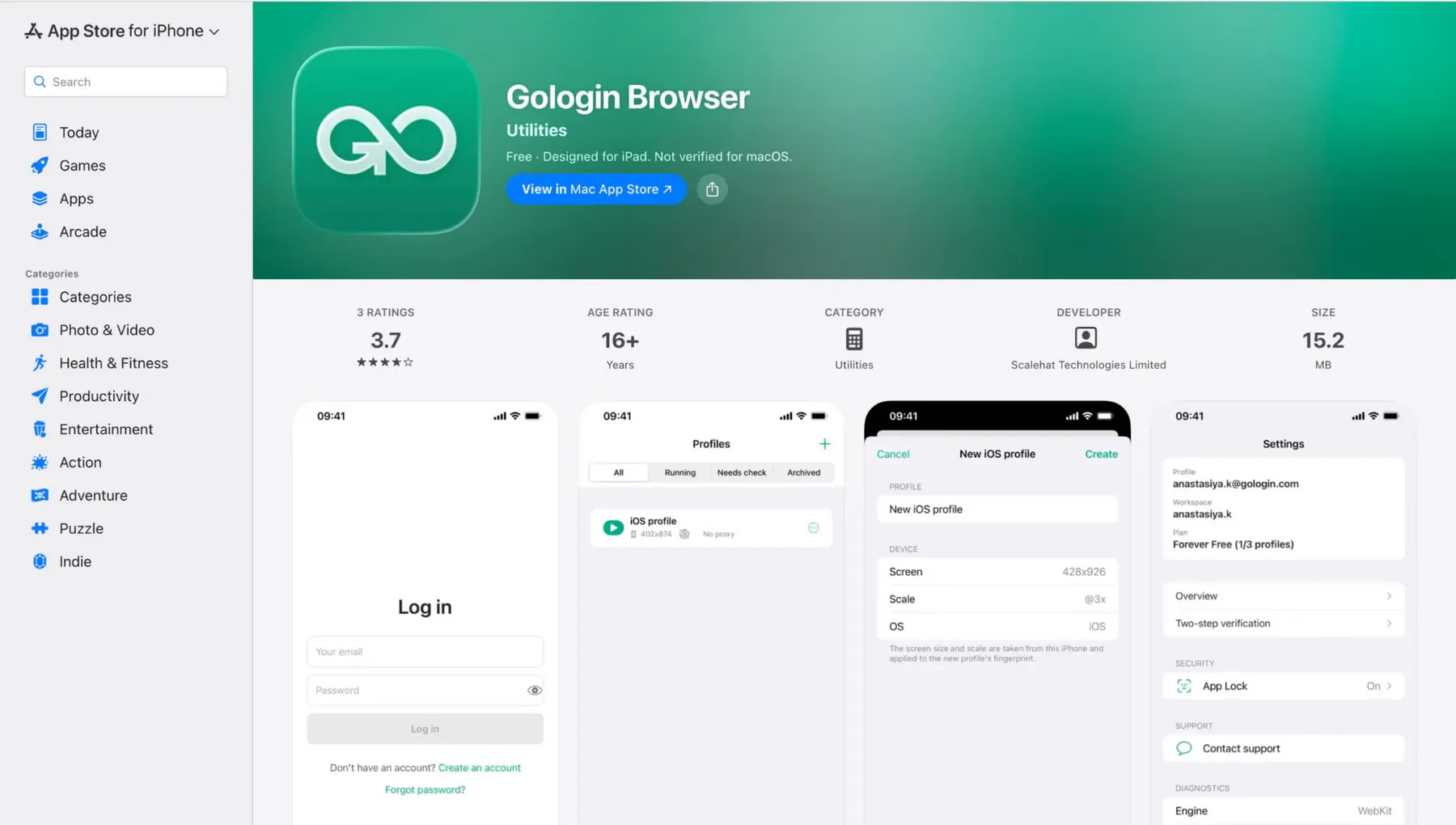
GoLogin requires iOS 17 or newer on iPhone and iPadOS 17 or newer on iPad. Install Gologin Browser by Scalehat Technologies Limited directly from the App Store. It is free to download, and version 1.3.1 has a download size of 17.9 MB.
The iOS app supports Apple and Google sign-in, profile caching and in-app support. You can also view proxy traffic and plan information within the app.
Comparing phone-first options? Our mobile antidetect browsers roundup covers apps and cloud phones side by side.
Can you use GoLogin without downloading it?
Yes. GoLogin Web at app.gologin.com runs in any normal browser and supports Chrome OS. Cloud profiles run on GoLogin’s servers rather than your machine. Cloud access is available on paid plans only.
Cloud runs are metered by plan. Professional includes 1 concurrent cloud launch and 100 hours, Business includes 2 and 200 hours, and Enterprise includes 3 and 300 hours.
The Forever Free plan has no cloud runs, and the 7-day trial limits them. The desktop app has no such cap.
How do you set up GoLogin after installing it?
First-run setup takes four steps: sign in, create a profile, attach a proxy, then check the fingerprint before you log in to anything that matters.
Step 1: Sign in or create an account
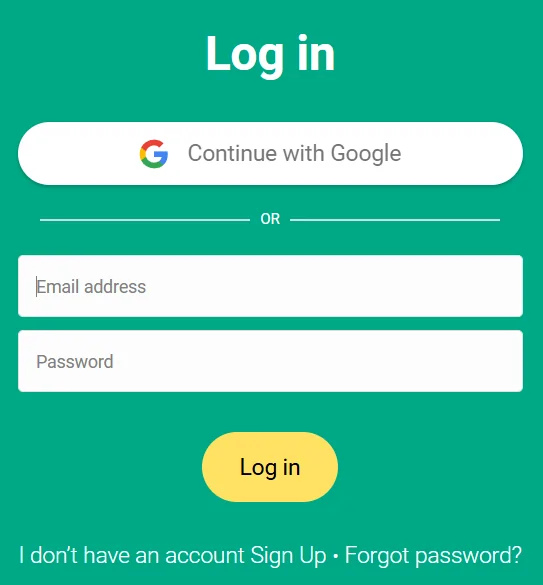
- Open GoLogin and register with email, Google or Apple.
- New accounts start with a 7-day trial with full access. API tokens and the local API are disabled during the trial, and cloud launches are limited.
- Use a plain email address. “+1” aliases and addresses with fewer than 3 characters before the @ are rejected.
Step 2: Create your first profile
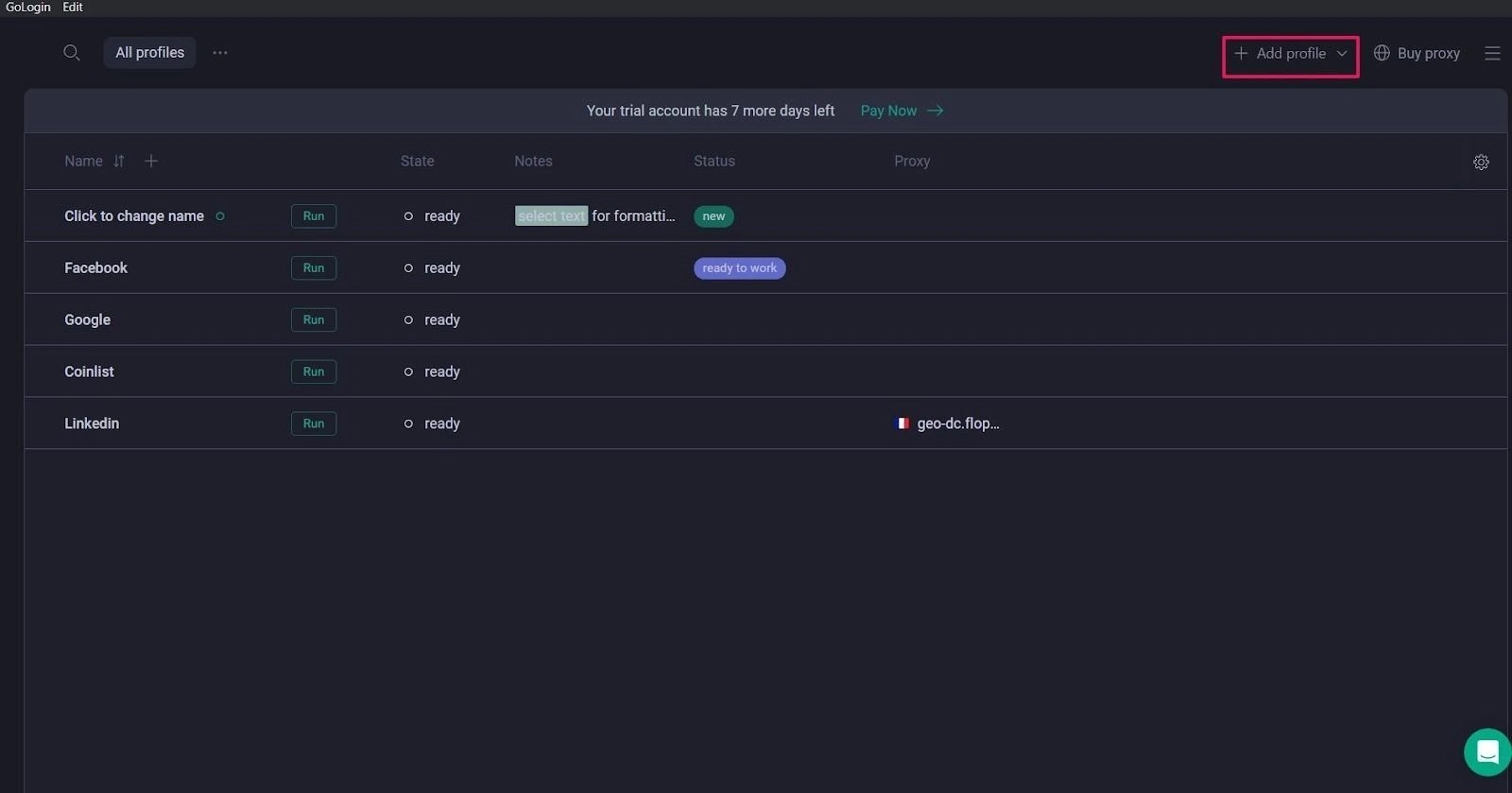
- Click Add profile.
- Name it after the account or client it will hold. One profile per account is the whole point.
- Leave the fingerprint on its defaults for now. GoLogin automatically configures 53 fingerprint parameters per profile.
- Leave Advanced > Orbita version on the latest. You cannot downgrade a profile later, only update it.
Step 3: Add a proxy
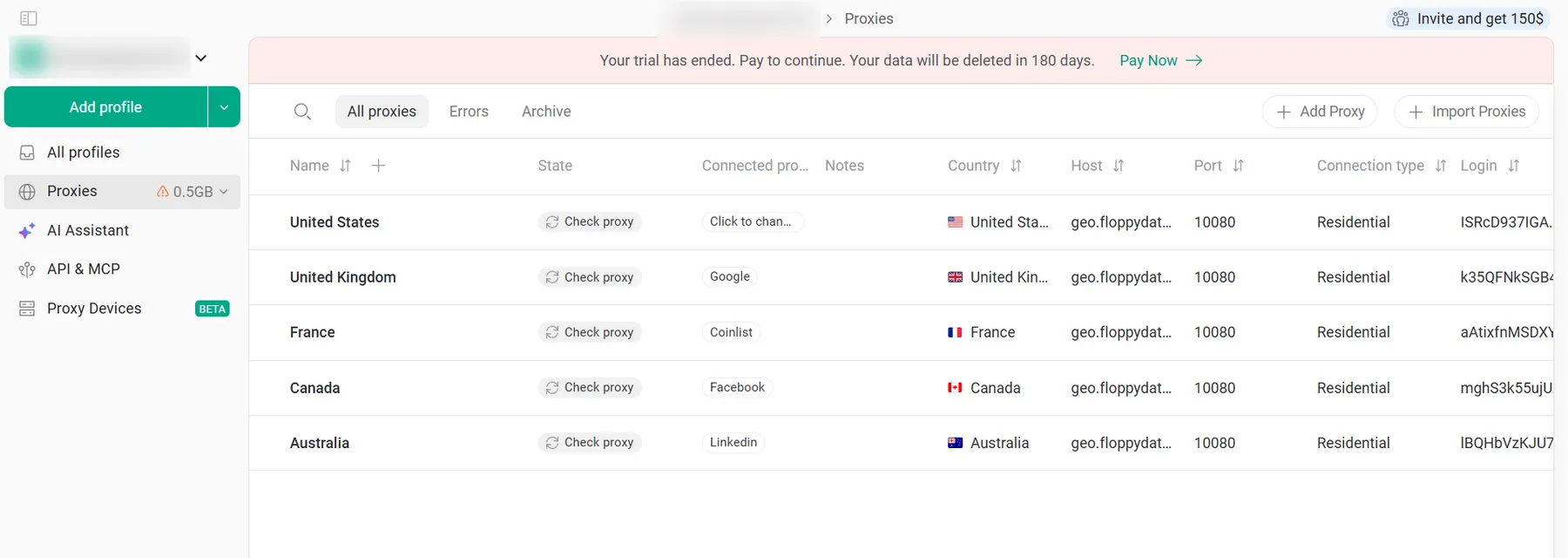
Without a proxy, every profile shares your real IP, which links them. To add a proxy, follow these steps:
- On All profiles, click the + in the profile’s Location column.
- Click the computer icon and enter IP, port, username and password. GoLogin picks HTTP or SOCKS automatically.
- Click Connect. A green indicator means the proxy works and red means it does not.
Accepted formats include ip:port:login:password, http://ip:port:login:password and socks5://login:password@ip:port. To load many at once, use Proxies > Import proxies.
Two things catch people out. If a launch shows “Proxy doesn’t work”, the Quick fix button swaps in a GoLogin proxy from the same country and spends your proxy traffic. Click Not now to keep your own. Also, the Forever Free plan includes no GoLogin proxy traffic, so free users bring their own.
Step 4: Check the fingerprint
Run the profile and open a checker before you sign in anywhere. Use our Pixelscan guide to read the result and our BrowserScan guide for a second opinion on WebRTC and time zone.
What to look for: the IP country, time zone and language match your proxy, and no WebRTC leak shows your real IP. If Google still places you at home, set Geolocation to Blocked or to coordinates that match the proxy.
Is the GoLogin download free, and what does the free plan include?
The GoLogin free download is the full app. What changes is the plan on your account. After the 7-day trial, you can stay on the Forever Free plan or pay.
Forever Free plan limits
Hit the cap and GoLogin shows “You've exceeded your workspace limits”. A misleading “Profile has been deleted” message can also mean a plan limit, not lost data.
Three profiles is enough to learn the tool, not to run a client roster. If free is the goal, compare our free antidetect browsers list.
What paid plans cost
Prices below apply to accounts registered from January 2026. Older accounts keep legacy pricing unless they ask support to switch.
| Plan | Profiles | Monthly | Billed annually (per month) | Cost per profile per month (annual) |
|---|---|---|---|---|
| Forever Free | 3 | $0 | $0 | $0 |
| Professional | 10 (25, 50, 100 options) | from $9 | from 4.50(54/year) | $0.45 at 10 profiles |
| Business | 300 or 500 | from $99 | from $49.50 | $0.17 at 300 profiles |
| Enterprise | 1,000 | $179 | $89.50 | $0.09 |
| Custom | 2,000 to 100,000 | from $279 | from $139.50 | $0.07 at 2,000 profiles |
Cost per profile = annual per-month price divided by profiles, rounded. Annual billing is 50% off monthly, which is the real discount.
GoLogin troubleshooting: why won't it install or launch?
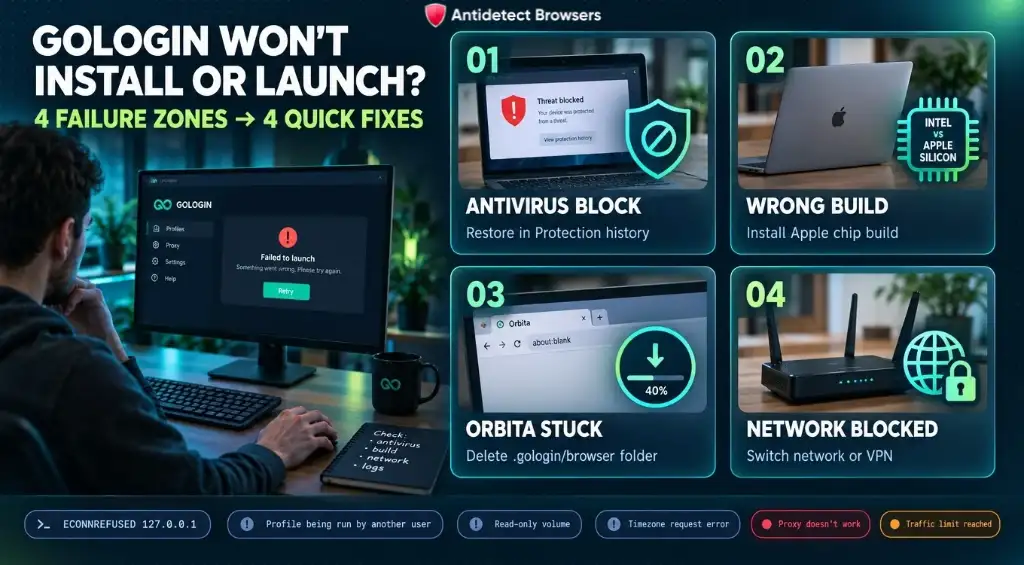
Common GoLogin install and launch errors fall into four groups: antivirus, the wrong build, a half-downloaded Orbita, or a blocked network. Use the fixes below to resolve common errors and proxy connection problems.
| Problem | Likely cause | Fix |
|---|---|---|
| Windows or macOS blocks the installer | File did not come from dl.gologin.com, or it was altered | Delete it, download again from gologin.com/download and check the signature. Do not override the warning. Still blocked: ask GoLogin support |
| “Seems like your antivirus is blocking access to the Orbita browser” | Antivirus quarantined GoLogin or Orbita files | First confirm the installer's signature reads Scalehat Technologies Limited. Then restore the items in Windows Security > Virus & threat protection > Protection history and restart. If it was not signed, delete it and re-download |
| Profile stuck on “Downloading” or “Archiving” (Orbita update loop) | Blocked connection to GoLogin servers, antivirus, or damaged browser files | Quit GoLogin fully. Delete the browser folder (Windows: C:\Users\<YourUser>\.gologin\browser, macOS: ~/.gologin/browser). Restart (Windows: Run as administrator) and let Orbita download again |
| Profile will not launch: “ECONNREFUSED 127.0.0.1” | Orbita failed to start: bad download, proxy problem or outdated app | Update the app, re-download Orbita as above, test without a proxy |
| Profile will not launch: “The profile is being run by another user” | Profile open elsewhere, or the last session did not close | Quit GoLogin from the system tray and reopen. Still stuck: clone the profile |
| “Current browser version is not supported for ARM processor architecture” | Intel build on an Apple chip Mac | Install the Apple chip build, then use Update browser on the profile |
| “Cannot update while running on a read-only volume” | GoLogin running from the .dmg or Downloads | Move GoLogin to Applications and reopen it |
| “Timezone request error” or “Profile loading error” | Network or ISP blocks GoLogin's servers | Switch network (mobile hotspot) or use a VPN, then fully restart GoLogin |
| Red proxy indicator or “Proxy doesn't work” | Dead proxy, wrong details, or your network blocks the proxy port | Test the proxy outside GoLogin. Works there: switch network or check the firewall. Fails there: contact the provider |
| “You've exceeded your traffic limit” | GoLogin proxy traffic used up (billed apart from the plan) | Buy traffic under Proxies, or use your own proxy |
App updates download in the background, and a green Restart app button applies them. On versions older than 3.3.1, reinstall from gologin.com/download instead.
FAQs About GoLogin Download in 2026
How do I download GoLogin?
Go to gologin.com/download and pick your system: Windows (gologin.exe), Mac with an Intel processor (gologin.dmg), Mac with an Apple chip (gologin-arm64.dmg) or Linux (gologin.tar). On a phone, use the Google Play or App Store buttons on the same page. Install, sign in, and let GoLogin download its Orbita browser before you launch a profile.
Can I use GoLogin for free?
The app is free to download, and new accounts get a 7-day trial with full access. After that, the Forever Free plan keeps 3 profiles and 25 new profile creations per month. It has no sharing, team members, cloud runs, API or included proxy traffic, so you will need your own proxies.
How much does GoLogin cost?
GoLogin Professional costs $9 per month for 10 profiles, or 4.50permonthbilledannually(54 a year). Business starts at 99(49.50 annually) for 300 profiles, and Enterprise is 179(89.50) for 1,000. Annual billing halves every price.
Does GoLogin work on Windows 7?
No. GoLogin does not support Windows 7, 8, 8.1 or Server 2012, or any 32-bit system. The desktop app needs 64-bit Windows 10, Windows 11 or Windows Server 2016. The fix is a newer OS, or GoLogin Web at app.gologin.com from a current browser on another device (cloud profiles need a paid plan). Skip old installers from mirror sites.
Is there a GoLogin app for iPhone?
The App Store lists “Gologin Browser” by Scalehat Technologies Limited, free, version 1.3.1, for iOS 17 and later (checked 4 Nov 2026). Install it from the App Store button on gologin.com/download. GoLogin's docs do not yet explain its limits, so check how many profiles it runs before you plan an iPhone workflow. Android users need Android 10 or newer.
Next step
Installed, signed in, one clean profile behind a proxy? Read our GoLogin review before you build out ten more. It covers where GoLogin is weak as well as where it fits.